

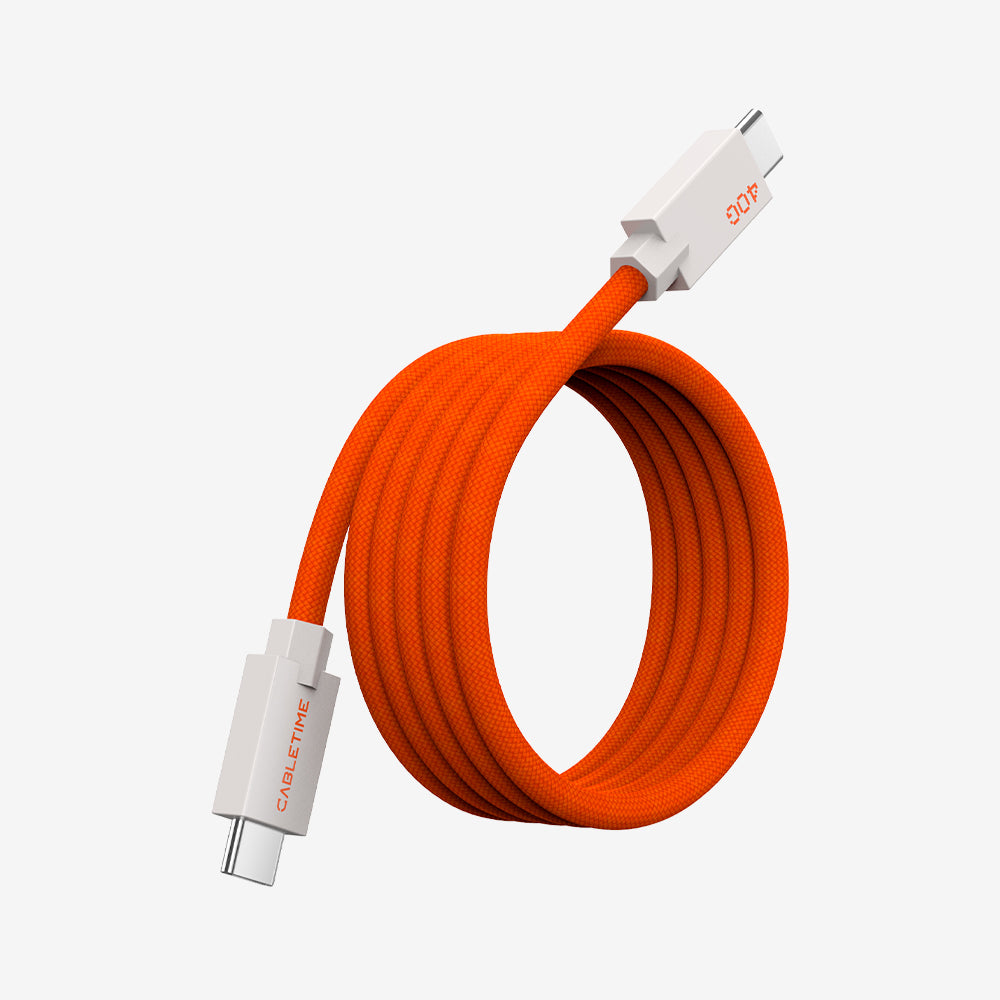
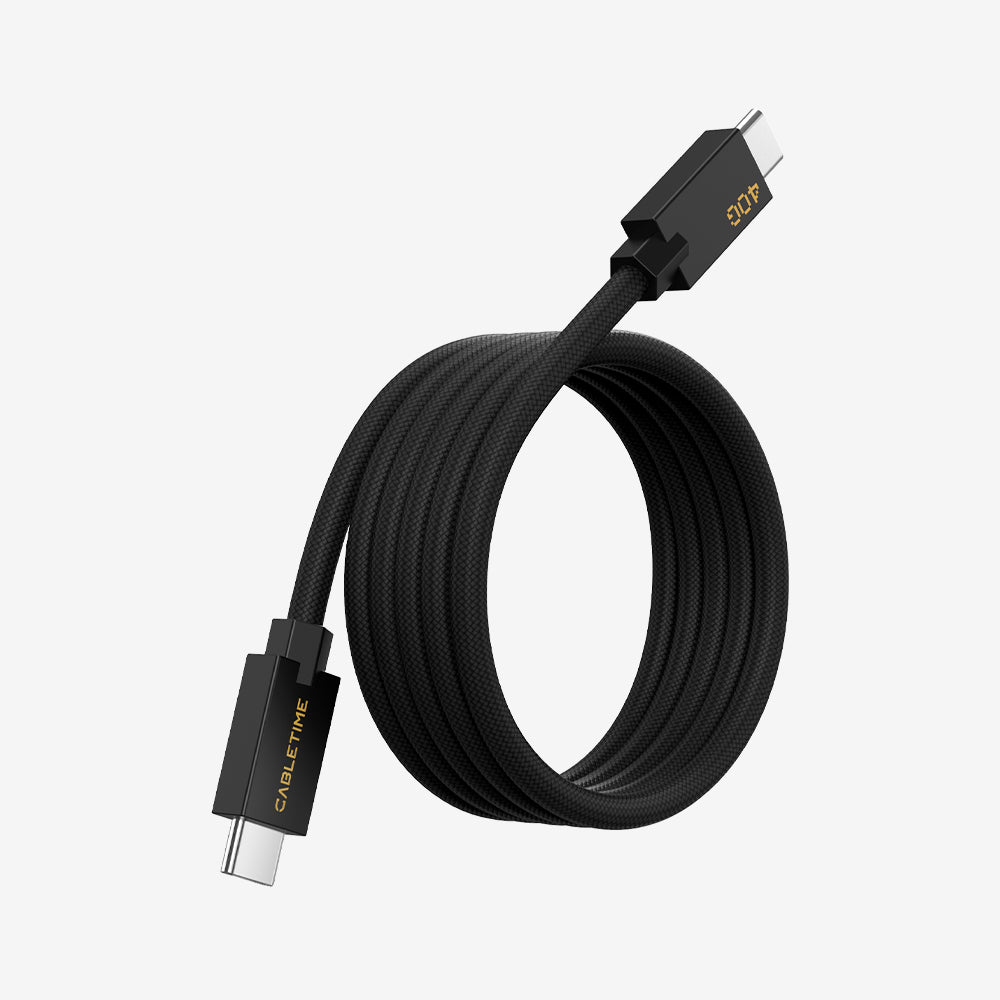
VR Link Cable
CABLETIME VR Link Cable connects your standalone VR headset—such as Meta Quest 2/3/Pro or Pico 4—to a gaming PC, unlocking the full PC-VR experience with titles like Half-Life: Alyx and Beat Saber. Enjoy seamless play with 5 Gbps high-speed data transfer, a generous 5 m length for free movement, and a durable design built for Meta Quest, Oculus, Pico, and Steam VR.
Filters
2 products
Experience next-level immersion with the CABLETIME VR Link Cable Collection. Built for gamers who demand more, these premium cables unlock the full potential of your VR headset—delivering high-speed performance, continuous charging, and long-lasting durability.
- ⚡ 5 Gbps High-Speed Data – Smooth, lag-free PC-VR gaming with stable USB 3.0 transfer.
- 🔋 Play & Charge Simultaneously – 3 A fast charging (USB-A to C) and 36 W PD (USB-C to C) keep you powered during every session.
🎮 Universal Compatibility – Works with Meta Quest 3S/3/2/Pro, Oculus Quest 2, Pico 4, and Steam VR.
- 🛡️ Durable Construction – Nylon-braided or TPE jackets, aluminum housings, and bend-tested right-angle connectors built for 10,000+ flexes.
- 🕹️ Choose Your Range – USB-A to C in 3 m, 5 m, or USB-C to C in 5 m (16 ft) for room-scale freedom.
With CABLETIME, you don’t just buy a cable—you invest in seamless VR immersion, pro-grade reliability, and peace of mind with a 2-year warranty and 30-day returns.
FAQ
What does the CABLETIME VR Link Cable do?
The CABLETIME VR Link Cable connects your standalone VR headset—such as Meta Quest 2/3/Pro or Pico 4—to a gaming PC. It serves as both a high-speed data and charging cable, delivering 5 Gbps transfer speed for smooth gameplay while keeping your headset powered. This unlocks access to PC-based VR platforms like SteamVR and Oculus Rift, expanding your VR possibilities far beyond standalone content.
Why do I need a CABLETIME VR Link Cable?
A VR Link Cable is essential for anyone who wants to unlock the full PC-VR experience. While standalone headsets are great, connecting to a PC with a CABLETIME cable ensures low latency, higher-quality graphics, and access to AAA VR games. It allows you to enjoy longer, uninterrupted play sessions with built-in charging support.
How do I connect my VR headset to a PC with a CABLETIME VR Link Cable?
To set up your headset with a CABLETIME Link Cable, follow these steps:
1. Check Requirements – Make sure your gaming PC meets the VR headset’s requirements. Install the necessary software, such as the Meta Quest app or SteamVR.
2. Connect the Cable – Plug the USB-C end into your headset and the USB-A or USB-C end into your computer.
3. Activate Link Mode – Put on your headset and follow the on-screen prompts. Enable “Link” mode if required.
4. Start Playing – Once the connection is recognized, you can access PC VR content instantly.
How durable are CABLETIME VR Link Cables?
Every CABLETIME VR Link Cable is bend-tested over 10,000 times, equipped with premium jackets (nylon-braided or TPE), and fitted with reinforced right-angle connectors for maximum flexibility and longevity.
Do CABLETIME VR Link Cables support charging while gaming?
Yes. CABLETIME cables are built to charge and play simultaneously:
USB-C to C: Up to 36 W Power Delivery.
What warranty comes with CABLETIME VR Link Cables?
All CABLETIME VR Link Cables include a 2-year warranty, 30-day return policy, and free shipping on qualifying orders—giving you peace of mind with every purchase.


