





Me encanta jugar a juegos de Switch, pero las sesiones de juego largas no siempre son cómodas. Después de estar sentado demasiado tiempo, mi espalda y mi cintura empiezan a cansarse, así que seguí pensando: ¿Existe una mejor manera de jugar a la Nintendo Switch 2 mientras uno está recostado en una silla, en lugar de estar siempre mirando la pantalla de la consola portátil?
Así que lo probé yo mismo con XREAL One.
La buena noticia es que Sí, puedes usar Nintendo Switch 2 con XREAL One. — pero no conectando las gafas directamente a la consola. Las especificaciones oficiales de Nintendo dicen que Switch 2 emite vídeo a través de HDMI en modo TV, y uno de los puertos USB-C de la consola No admite salida de vídeo. La propia guía de XREAL también dice que las gafas no se puede conectar directamente al Switch. (Nintendo)
En mi prueba real, logré que funcionara en dos maneras:
- Método 1: con el Hub de conmutación 3 en 1 de CABLETIME
- Método 2: con el Base de conexión oficial de Switch
Ambas opciones me funcionaron.
Eso significa que si quieres jugar a Switch 2 en XREAL One mientras te recuestas más cómodamente, tienes opciones viables.

Los productos exactos que utilicé
Estos son los productos que utilicé en mi configuración de prueba:
- XREAL One
- Nintendo Switch 2
- Estación de acoplamiento portátil para TV CABLETIME 3 en 1 Switch 2 (CT-SHUB31-AB)
- Cable HDMI a USB-C activo CABLETIME para pantallas XREAL/portátiles (CT-HMCM4K-AG2)
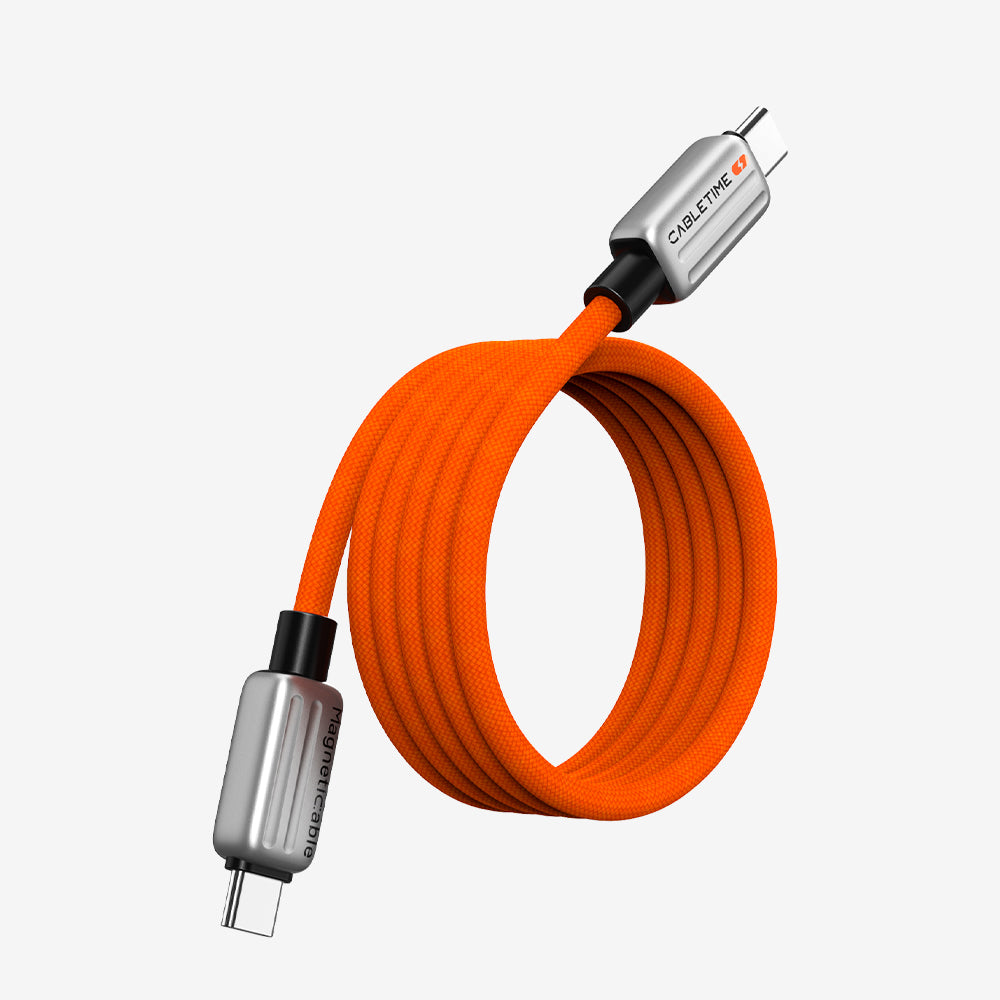
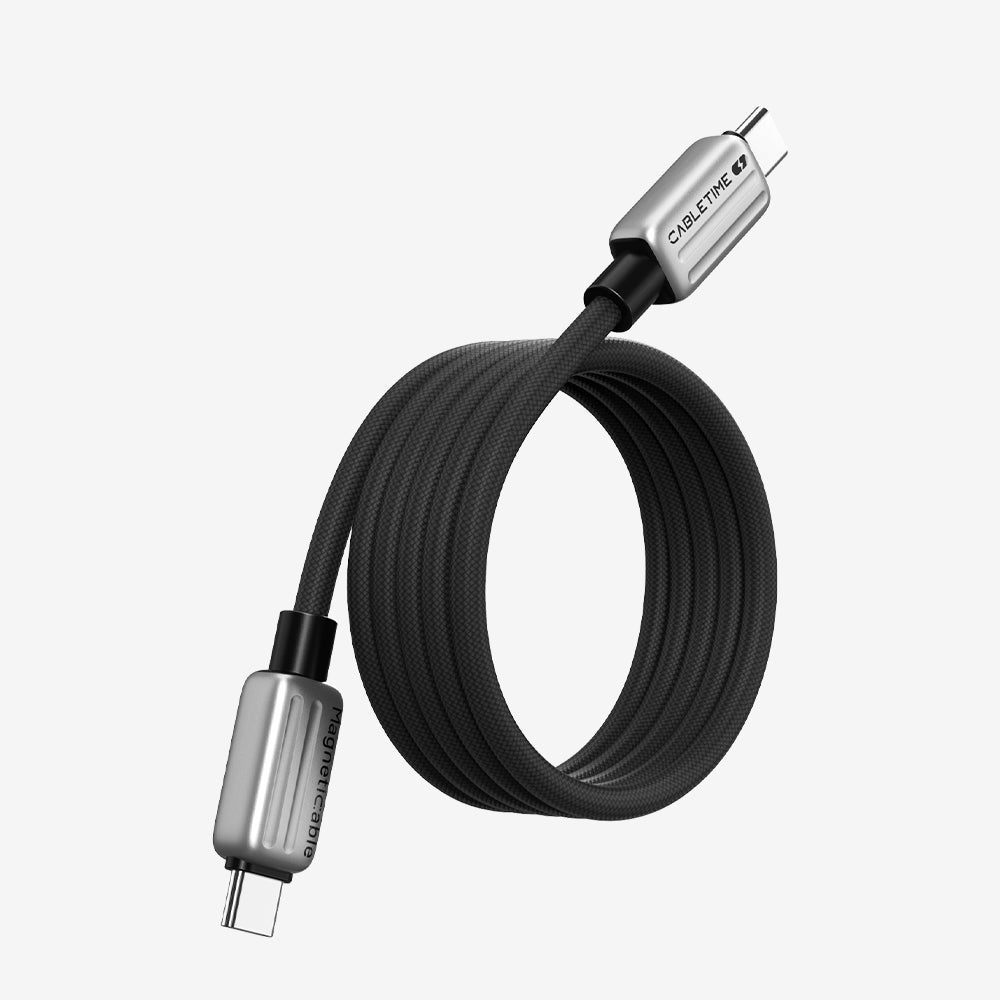
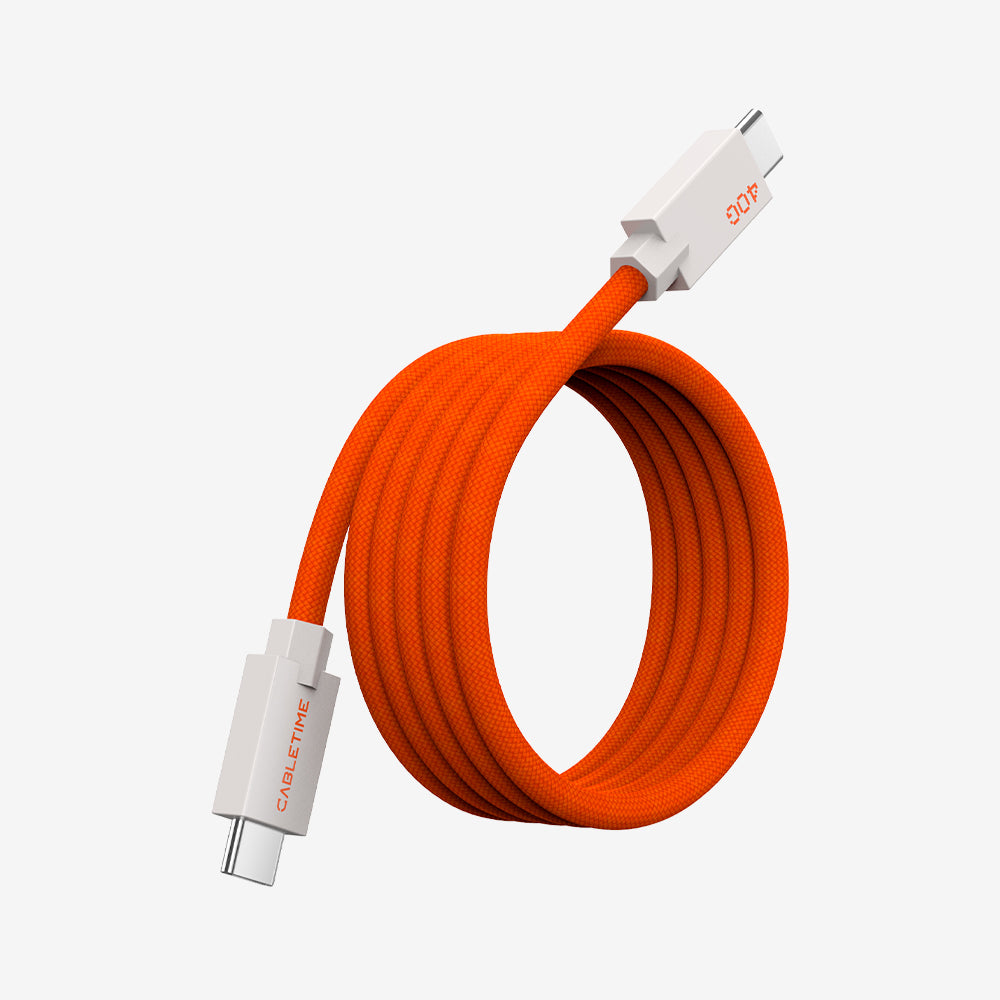
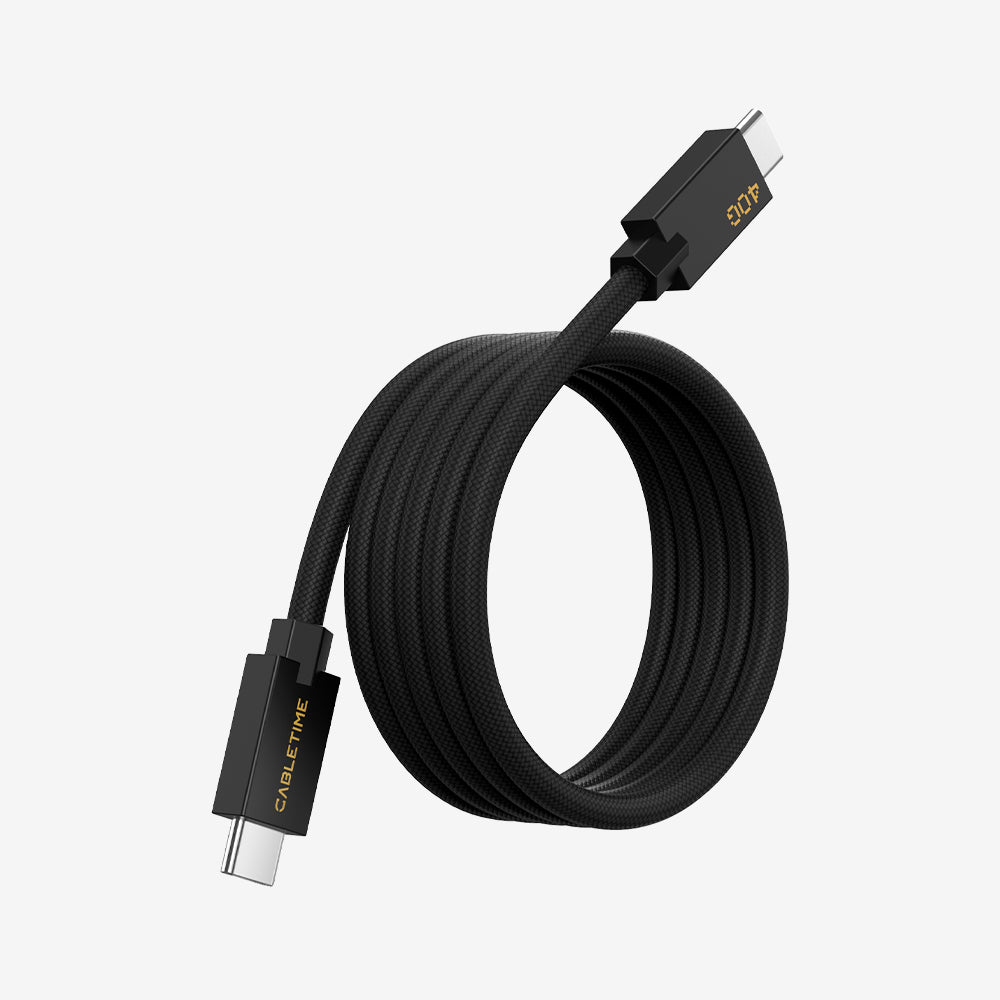
- Cable de carga magnético USB-C CABLETIME de 240 W (CT-CM240-MZO2)
- Un adaptador de corriente
- El Base de conexión oficial de Switch como configuración alternativa
El concentrador 3 en 1 de CABLETIME incluye Salida HDMI, USB-A 3.0, y Entrada PD de 100 W. El CT-HMCM4K-AG2 es un Cable HDMI a USB-C activo con un cable de alimentación USB-A, diseñado para enviar salida HDMI a una pantalla USB-C como gafas estilo XREAL o un monitor portátil. El CT-CM240-MZO2 es un Cable de carga USB-C de 240 W. (TIEMPO DE CABLE)
Por qué una conexión directa no es la forma correcta
Esta es la parte más importante.
Si alguien intenta conectar XREAL One directamente a Switch 2 con una simple conexión USB-C, puede pensar que los dos productos no son compatibles. Pero el problema es realmente el ruta de conexión.
Las especificaciones oficiales de Nintendo muestran que Switch 2 envía video a través de HDMI en modo TV, no a través de una simple ruta de salida de vídeo directa USB-C. XREAL también dice que las gafas no están diseñadas para conectarse directamente a la Switch de la forma habitual.Nintendo)
La ruta de funcionamiento en mi prueba fue:
Switch 2 → concentrador o base → salida HDMI → cable HDMI a USB-C activo → XREAL One
Esa era la clave.

Método 1: Uso del concentrador 3 en 1 CABLETIME
Esta fue la primera configuración que probé.
Cómo lo conecté
- Conectar el CT-SHUB31-AB centro para el Nintendo Switch 2
- Conecte la alimentación al concentrador mediante el CT-CM240-MZO2 cable de carga y un adaptador de corriente
- Conectar el Extremo HDMI del CT-HMCM4K-AG2 cable al puerto HDMI del concentrador
- Conecte el cable cable de alimentación USB-A según sea necesario
- Conectar el Extremo de pantalla USB-C a XREAL One
Una vez que conecté todo correctamente, la configuración funcionó.
Lo que me gusta de este método es que resulta mucho más compacto que una base de acoplamiento completa. Es mejor si buscas algo más pequeño para el escritorio o algo más fácil de mover.
Según la página del producto, el hub admite Salida HDMI 4K a 144 Hz, Carga PD de 100 W, y Datos USB-A de 5 Gbps, lo que lo convierte en un reemplazo práctico para una configuración tipo base más voluminosa. El cable HDMI a USB-C también requiere alimentación USB y es compatible 4K 60Hz. (TIEMPO DE CABLE)

Método 2: Usando la base oficial de Switch
También probé la misma idea con el Base de conexión oficial de Switch en lugar del hub 3 en 1.
Esto también me funcionó a mí.
Esto resulta útil porque algunas personas ya poseen la base oficial y quizás no quieran comprar otro concentrador solo para probar esta configuración. Si ya tienes la base, esta puede encargarse de la salida de video, siempre y cuando el resto de la conexión sea correcta.
La base oficial de Nintendo incluye un puerto HDMI y es la forma estándar en que la consola emite vídeo en modo TV, por lo que tiene sentido como alternativa a un hub compacto de terceros.Nintendo)
¿Qué configuración elegiría?
Tras probar ambas opciones, creo que la mejor depende de cómo quieras jugar.
Elige el hub 3 en 1 si quieres:
- una configuración más pequeña
- Menos accesorios voluminosos
- algo más fácil de trasladar entre habitaciones o escritorios.
Elige el muelle oficial si quieres:
- una configuración más familiar
- una disposición fija del escritorio en casa
- para usar lo que ya tienes
Para mí, ambas opciones son válidas. Una es más portátil y la otra más tradicional.

Por qué me gusta esta configuración
Para mí, esta configuración no se trata solo de usar una pantalla más grande.
Se trata de comodidad.
Cuando juego en modo portátil durante mucho tiempo, instintivamente miro hacia abajo y, al cabo de un rato, empiezo a notarlo en la espalda y la cintura. Con XREAL One, puedo inclinarme hacia atrás de forma mucho más natural y seguir teniendo el juego delante.
Ese es el mayor beneficio.
Hace que jugar en la Switch sea una experiencia más relajada, especialmente cuando quiero recostarme en una silla en lugar de permanecer en una postura erguida todo el tiempo.
Qué funcionó y qué aprendí
Tras probar personalmente esta configuración, estas son las principales cosas que les diría a otras personas:
- Una conexión directa no es la solución práctica.
- La ruta de conexión es importante.
- El poder externo importa
- El cable HDMI a USB-C activo es importante.
- Tanto el hub 3 en 1 como la base oficial de Switch pueden funcionar.
Ese último punto es importante.
Muchas publicaciones en línea solo hablan de un método, pero en mis propias pruebas confirmé que ambos Las configuraciones resultaron funcionales. Por lo tanto, si alguien busca una solución más portátil, el concentrador 3 en 1 es una buena opción. Si prefiere una configuración de escritorio estándar, la base oficial también funciona.
Reflexiones finales
Si te gusta jugar a juegos de Switch pero quieres una forma más cómoda de hacerlo, merece la pena probar esta configuración.
Para mí, la mayor diferencia fue sencilla: pude jugar en una posición más relajada en lugar de estar constantemente mirando la pantalla.
Y después de probar ambos métodos personalmente, puedo decir esto claramente:
La Nintendo Switch 2 puede funcionar con XREAL One, siempre y cuando se utilice la configuración de conexión correcta.
Si ya tienes la base oficial, puedes empezar por ahí. Si quieres algo más compacto, la Hub 3 en 1 de CABLETIME En mi opinión, es la opción más limpia.
Preguntas frecuentes
¿Se puede conectar XREAL One directamente a Nintendo Switch 2?
No de la forma sencilla de conectar y usar que la mayoría de la gente espera. Las especificaciones de Nintendo y la propia guía de XREAL señalan la necesidad de una ruta de salida HDMI adecuada en lugar de una conexión directa de las gafas a la consola.Nintendo)
¿Necesitas una base o un concentrador para usar XREAL One con Switch 2?
Según mi prueba, sí. Logré que funcionara con cualquiera de las dos opciones. CABLETIME CT-SHUB31-AB o el Base de conexión oficial de Switch.
¿Qué cable utilicé?
Yo usé el Cable HDMI a USB-C activo CABLETIME CT-HMCM4K-AG2. En la página del producto se especifica entrada HDMI, alimentación USB-A, salida USB-C y compatibilidad con 4K a 60 Hz.TIEMPO DE CABLE)
¿Necesitas alimentación externa?
Sí. En mi configuración, la alimentación era necesaria para un uso estable. La propia guía de XREAL para Switch también señala que Nintendo Switch necesita permanecer conectada a la corriente durante el uso compatible basado en hub.Tienda XREAL en EE. UU.)
¿Es el hub 3 en 1 mejor que la base oficial?
Ambas opciones me resultaron útiles. El hub es mejor para la portabilidad, mientras que la base oficial es mejor para una configuración de escritorio fija.


