





If you own an Insta360 Link 2, you already know the problem. The webcam is exceptional — 4K AI tracking, gimbal stabilization, plug-and-play simplicity. But the moment you try to place it more than a meter and a half from your computer, you hit a wall.
The included USB-C cable measures roughly 150cm. That's fine if your laptop sits right next to your monitor. But for a desktop tower on the floor, a standing desk where the PC is across the room, or a conference room where the camera needs to sit 5–10 meters from the host machine — that cable is practically useless.
Most users reach for a cheap USB extension cable. It seems like the obvious fix. What happens next is frustrating.

Why Standard USB-C Extension Cables Fail with the Insta360 Link 2
The Insta360 Link 2 streams 4K video at up to 30fps over USB. That requires a sustained, stable data rate — far more demanding than charging a phone or syncing a file.
The USB 3.2 Gen 2 specification (which the Link 2 uses) pushes up to 10 Gbps of bandwidth. Standard copper USB-C cables are rated for a maximum of 2 meters at this speed. Beyond that, signal attenuation kicks in. The data starts degrading.
In practice, users report three common failure modes:
· The camera is detected but the video freezes or drops to a low resolution. The connection exists, but the bandwidth can't sustain 4K output.
· The camera connects briefly, then disconnects. Copper cables over length can't maintain consistent power delivery.
· The camera doesn't show up at all. Some cheaper extension cables use downgraded signal chips that choke completely on high-bandwidth USB 3.x devices.
USB hubs are equally unreliable. As many users have discovered on Reddit and Linus Tech Tips, hubs introduce latency, thermal issues, and power limits that make 4K webcam streaming unstable.
There's a reason Insta360 themselves sell a dedicated 10m and 30m cable for their conference product — and it's not made of copper.

The Solution: USB-C Active Optical Cable (AOC)
An Active Optical Cable — AOC — is a hybrid design: copper conductors handle power delivery, while fiber optic strands carry all the data. The result is a cable that can run 10 meters, 15 meters, even longer, with zero signal degradation.
Here's why it works where copper fails:
· Fiber optics don't suffer from resistance or attenuation the way copper does over long runs. The signal at the far end is identical to the signal at the source.
· No electromagnetic interference (EMI). In offices full of equipment — monitors, speakers, power strips — copper cables pick up noise that corrupts data. Fiber is immune.
· No external power brick required. The copper conductors supply the 5V the Insta360 Link 2 draws from the USB port. You plug it in exactly like a normal cable.
· Plug-and-play, no drivers. To both the computer and the camera, it looks like a standard USB-C connection.

Real-World Test: CableTime AOC Cable with the Insta360 Link 2
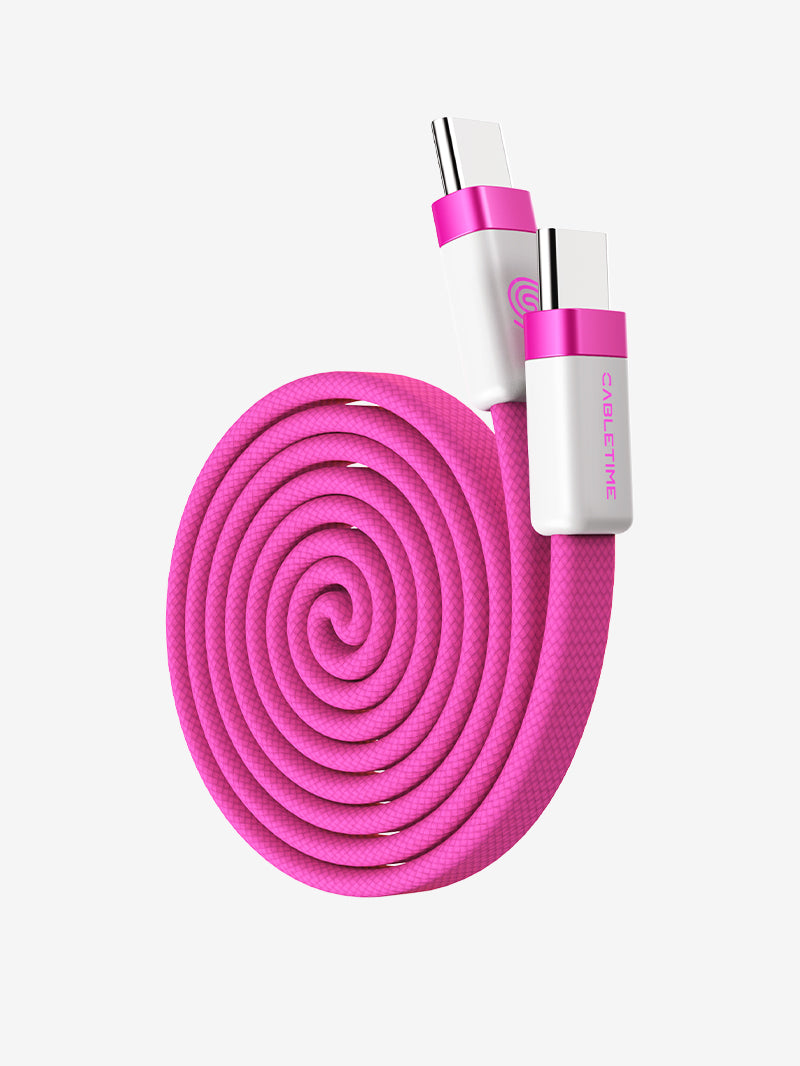
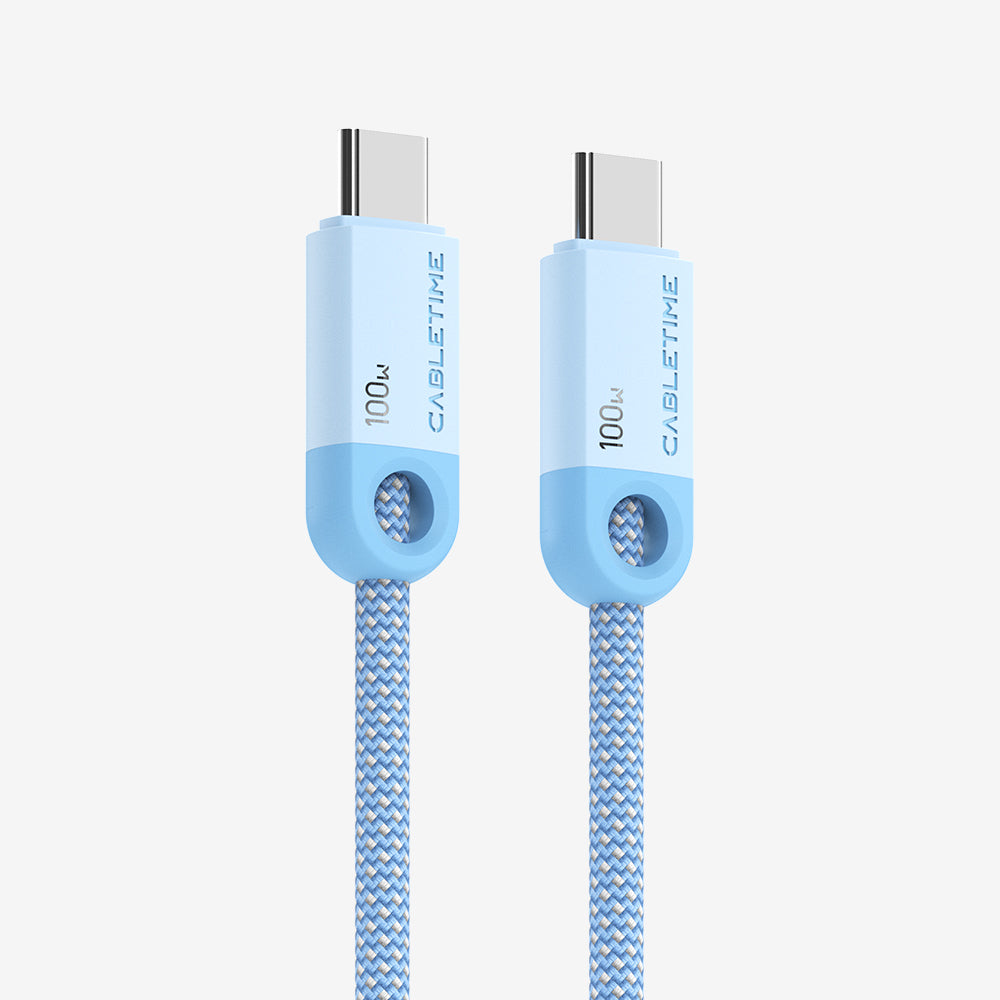
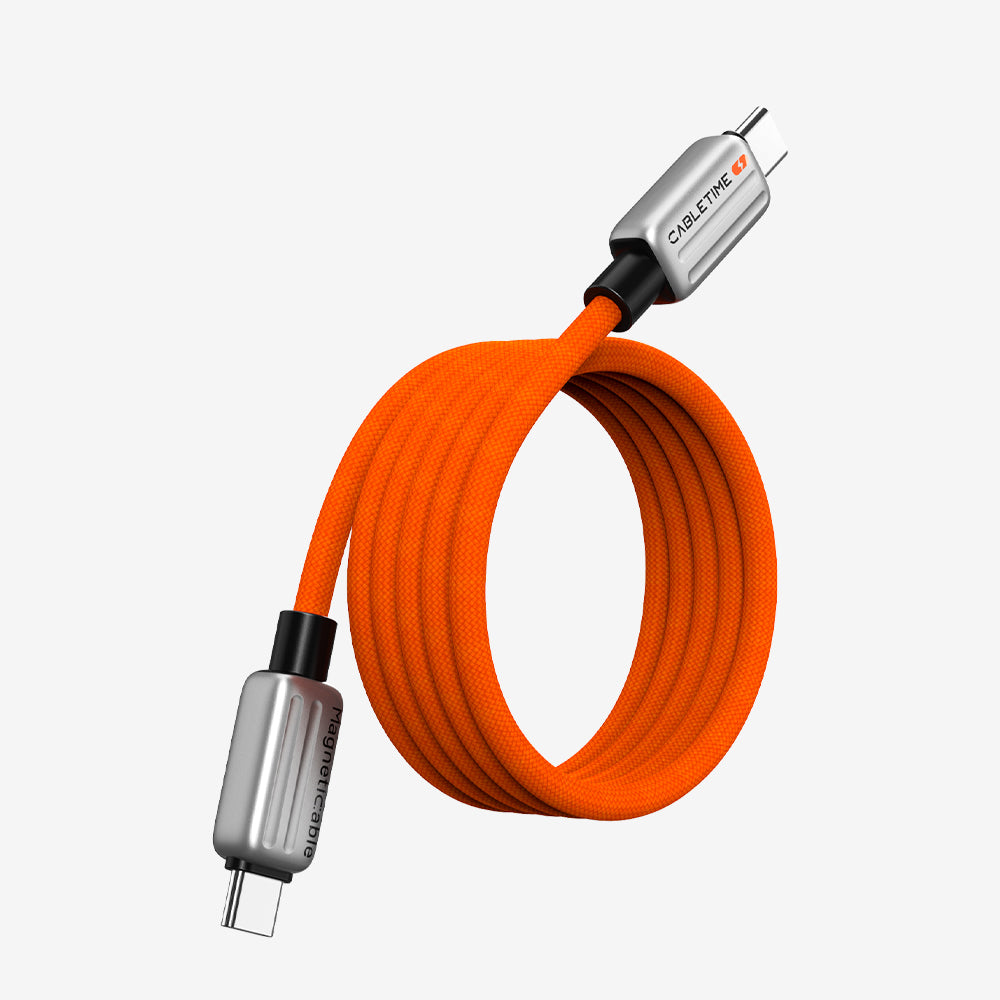
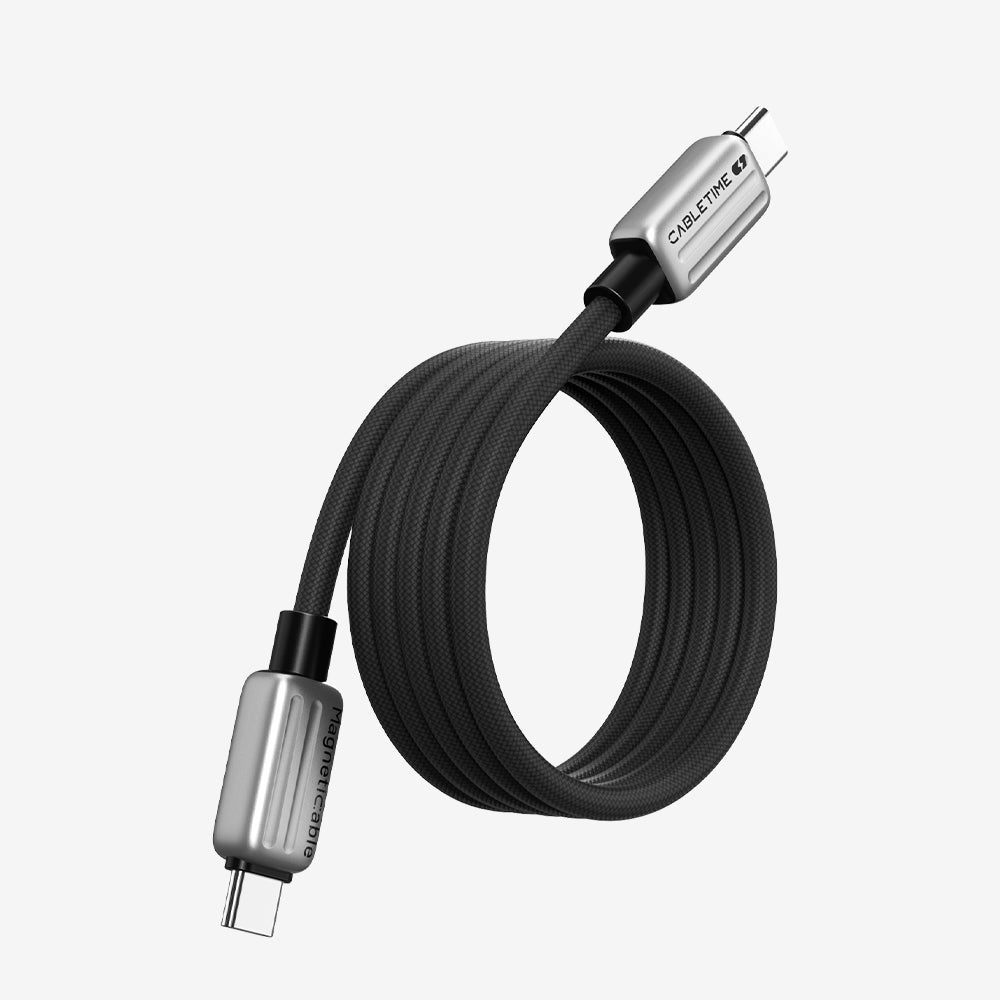
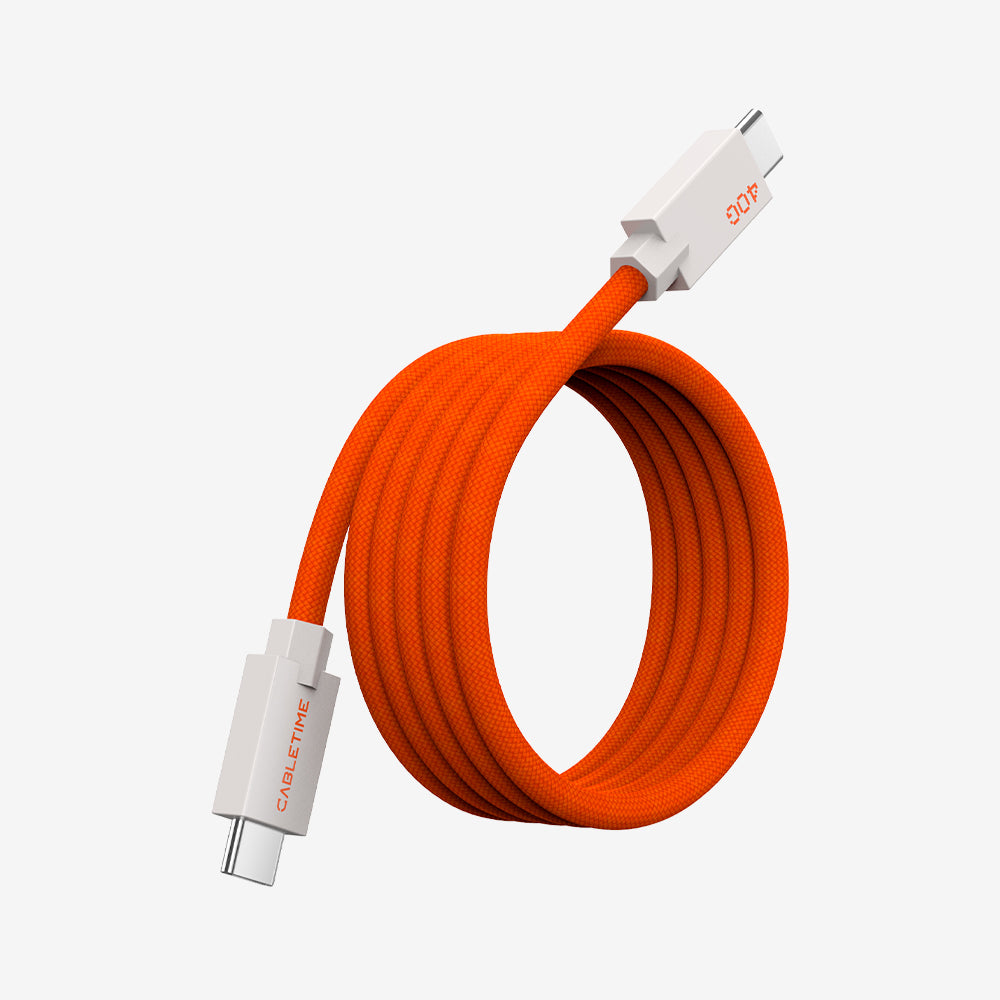
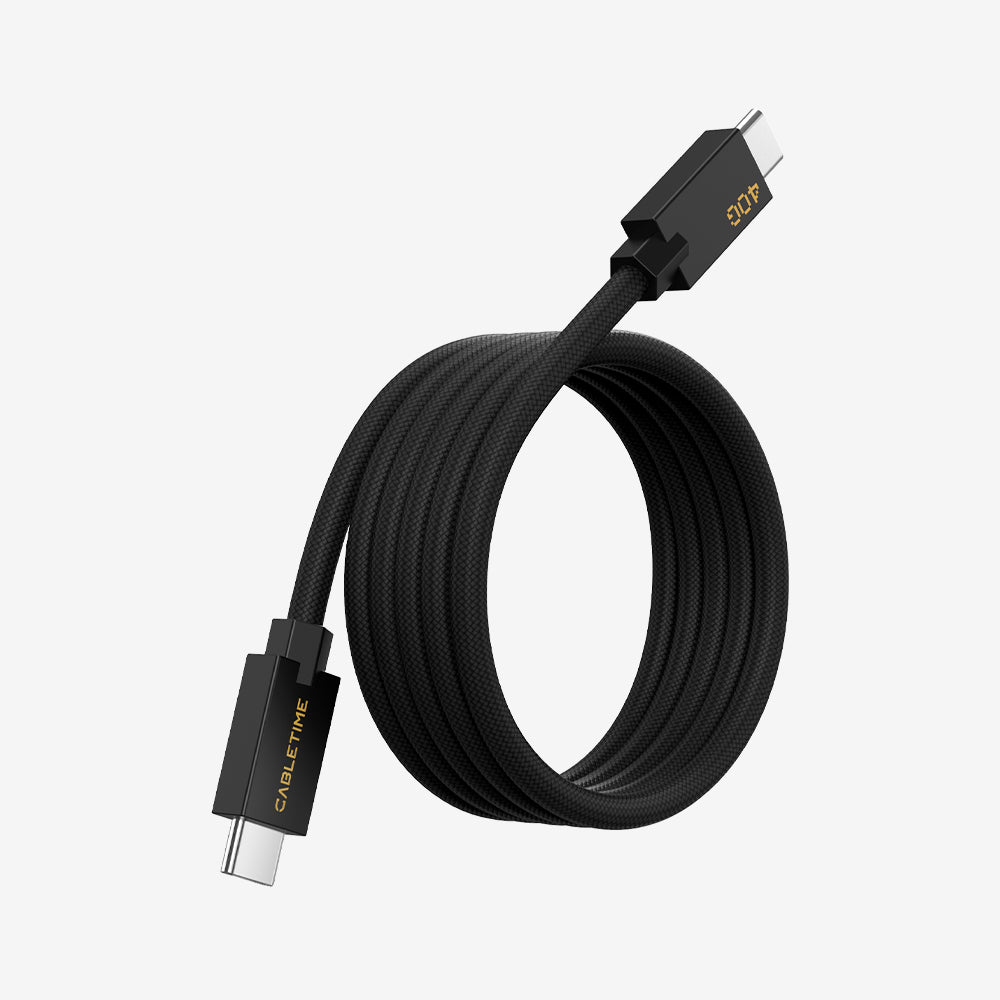
We ran the CableTime 10Gbps USB-C 3.2 Gen 2 Active Optical Data Cable through two real-world scenarios on a Dell desktop: an OBS streaming session and a live Zoom meeting.
Test 1: OBS — AI Gimbal Tracking in Motion
Setup: Dell desktop → CableTime AOC cable → Insta360 Link 2, with a person walking freely around the room.
This is the test that matters most for the Link 2's signature feature. AI tracking generates a constant stream of changing frame data as the gimbal follows movement — the most bandwidth-intensive mode the camera has. If the cable is underperforming, this is where it shows first.
Result: The AI tracking worked without interruption throughout. As the subject moved around the room — stepping left, right, closer, further — the Link 2's gimbal followed smoothly, and every frame transmitted cleanly through the AOC cable to OBS. No dropped frames, no lag between movement and camera response, no disconnects.

Test 2: Zoom — Live Meeting Over Full Duration
Setup: Same Dell desktop → CableTime AOC cable → Insta360 Link 2, used in an actual Zoom meeting with a real participant.
Result: The call ran cleanly for its full duration. The Link 2's feed delivered consistent video quality throughout, with no reconnections, no audio sync issues, and no software warnings about the camera connection.
Test Summary
| Scenario | Feature Tested | Result |
| OBS on Dell desktop | AI gimbal tracking during motion | ✅ Smooth, uninterrupted |
| OBS on Dell desktop | Video transmission over AOC cable | ✅ No dropped frames |
| Zoom live meeting | Connection stability over full call | ✅ Zero disconnects |
| Zoom live meeting | Video quality to remote participant | ✅ Clear, consistent |
| Both | Plug-and-play (no drivers) | ✅ Detected immediately |
Who Needs This
Home office users with desktop towers. If your PC sits under a desk or on the floor and your webcam is on a monitor arm at eye level, the stock cable almost certainly doesn't reach.
Standing desk users. The CableTime AOC cable is thinner and more flexible than most copper cables — it tolerates repeated movement and routing without kinking.
Conference room IT managers. Placing a camera at the center of a long conference table while the host PC sits at one end is a standard AV challenge. At 10m, this is exactly the use case AOC cables were designed for.
Streamers and content creators. If you're using the Insta360 Link 2 for OBS or live streaming and want the camera positioned further from your PC, an AOC cable gives you that freedom without touching your video quality.

Comparison: Your Options for Extending the Insta360 Link 2
| Option | Max Reliable Length | 4K Stable | Plug & Play |
| Stock cable (included) | 1.5m | ✅ | ✅ |
| Cheap USB-C extension | ~1m (practically) | ❌ | Sometimes |
| USB hub + cable | Variable | Unreliable | Partial |
| CableTime AOC 10Gbps | 10m+ | ✅ | ✅ |
| Insta360 official extra-long | 10m / 30m | ✅ | ✅ |


Setup Guide: Running the Insta360 Link 2 at 10 Meters
1. Connect the "Host" end to your computer's USB-C port. If your computer only has USB-A ports, use a USB-A to USB-C adapter — the cable is backward compatible.
2. Route the cable. Avoid tight right-angle bends. Run it along baseboards, under desk mats, or through cable channels.
3. Connect the "Device" end to the Insta360 Link 2.
4. The camera will power on and initialize automatically. Open your video conferencing app or OBS — the camera appears exactly as it does with the stock cable.
Will any USB-C AOC cable work with the Insta360 Link 2?
Look for USB 3.2 Gen 2 (10 Gbps) with full data support. Some cheaper AOC cables are designed only for DisplayPort video output and won't carry USB data properly. The CableTime cable is a data-first AOC cable, which is what the Link 2 needs.
Does the CableTime AOC cable supply enough power to the Insta360 Link 2?
Yes. The Link 2 draws 5V at up to 1A from the USB port. The copper conductors in the AOC cable comfortably deliver this from any standard USB 3.x port — no external power adapter required.
Does this work with the Insta360 Link 2C?
Yes. The Link 2C uses the same USB-C interface and power requirements. The cable works identically with both models.
What is the maximum length for a USB-C cable with the Insta360 Link 2?
Standard copper USB-C cables are reliably rated to 2 meters at USB 3.2 Gen 2 speeds. Active Optical Cables extend this to 10m or longer with no signal loss — the only reliable solution for long-distance 4K webcam connections.
Questions 5
Why does AI tracking fail over a regular USB extension cable?
Ready to extend your Insta360 Link 2 setup?
→ CableTime 10Gbps USB-C 3.2 Gen 2 Active Optical Data Cable


