





Nintendo recently released the Switch 2 System Update — Version 21.0.0, and many players reported a serious problem: most third-party docks and USB-C to HDMI adapters stopped working entirely.
Users confirm many 3rd-party docks can now charge the Switch 2 but no longer output video to the TV or monitor.
This means the issue is not washed-out colors or HDR problems — it is a complete “NO DISPLAY / NO SIGNAL” failure
Why Third-Party Docks Stopped Working
With Version 21.0.0, Nintendo introduced updated video-output handshake rules. This affects any dock, hub, or USB-C to HDMI adapter that uses older firmware, outdated DP-Alt-Mode communication, or a non-matching handshake.
As a result:
- The Switch 2 refuses to output video to many third-party docks
- Only basic power-only accessories work
- Some products work only after firmware updates

Cabletime Firmware Update — Fix Available Now
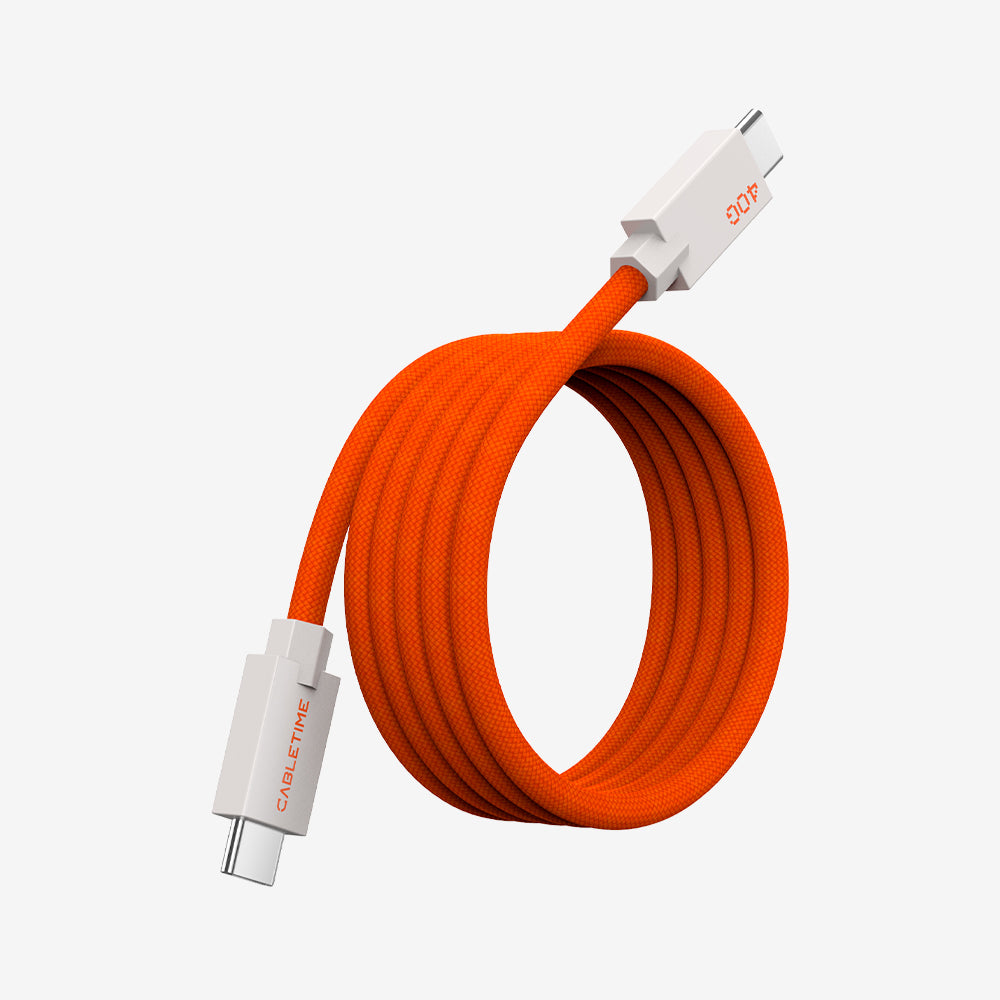
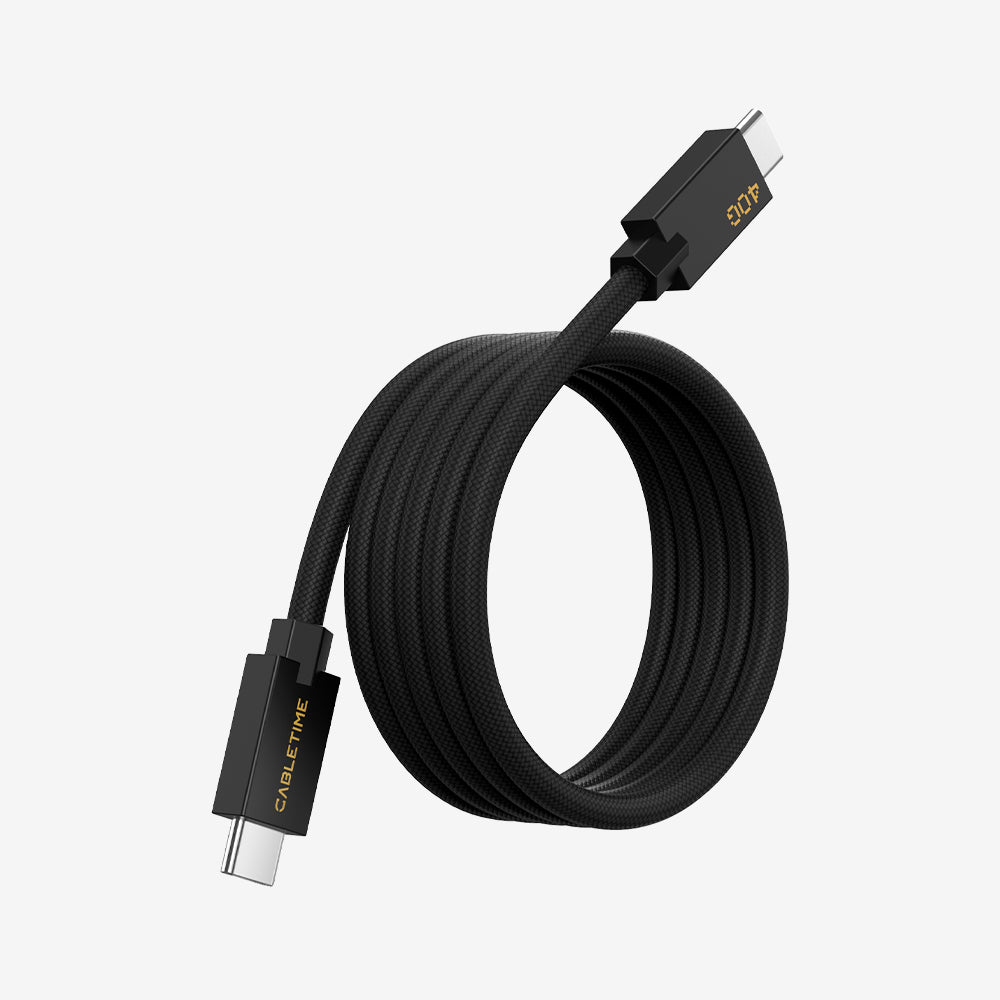
Cabletime has released updated firmware for the Cabletime 4K60Hz USB-C to HDMI Mini Dock Cable (with PD 100W).
Download Firmware:
https://cabletimetech.com/pages/driver

How to Update the Firmware

1. Connect the PD port of the adapter to a Windows PC using a USB-A to USB-C or USB-C to USB-C cable.
2. Download the correct firmware (4K60Hz or 4K144Hz).
3. Open the folder and run the .exe update tool.

4. When the progress bar turns green, the update is complete.

5. Reconnect to your Switch 2 — video output should work normally.
What the Firmware Update Fixes
- Restores video output with Switch 2 Version 21.0.0
- Fixes “No Signal / No Display”
- Ensures correct DP-Alt-Mode communication
- Stabilizes 4K60Hz output
Support
If you still need help:
Email: support@cabletimetech.com


Summary
Switch 2 Update 21.0.0 broke compatibility with many third-party docks. Cabletime released a firmware fix, and after updating, the Cabletime Mini Dock Cable works normally again.


7 Nhận xét
update for firmware 21.2.0 please
Hello again on new udpate 22.0.0 there is the same problem with 4k 60hz cable, please update :(!
I can’t update the firmware on Windows 10, Windows 11, or Linux (Debian 13). On 3 separate computers, the device is not recognized at all. How am I meant to upgrade the firmware if it is not detected? I used 5 different cables (which charge and transfer data PD100W fine).
Updated to the latest firmware, running 21.2.0 on my switch. No signal from the cable, tried a pc monitor, and my TV. Any updates?
Super Anleitung! Hab euer Kabel bei Ali für 4€ geschossen und läuft einwandfrei mit dem FW Update mit aktueller Switch 2 Version 21.1.0, entgegen der anderen Kommentare.