



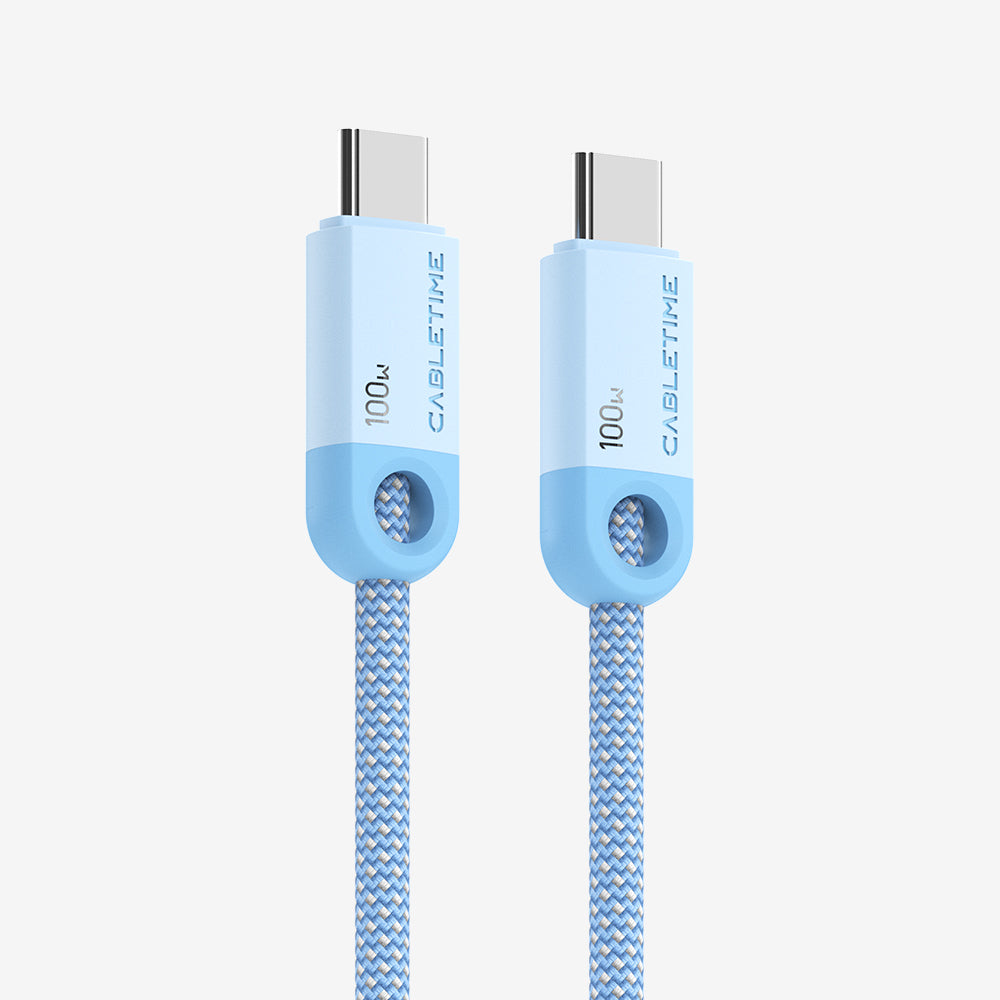


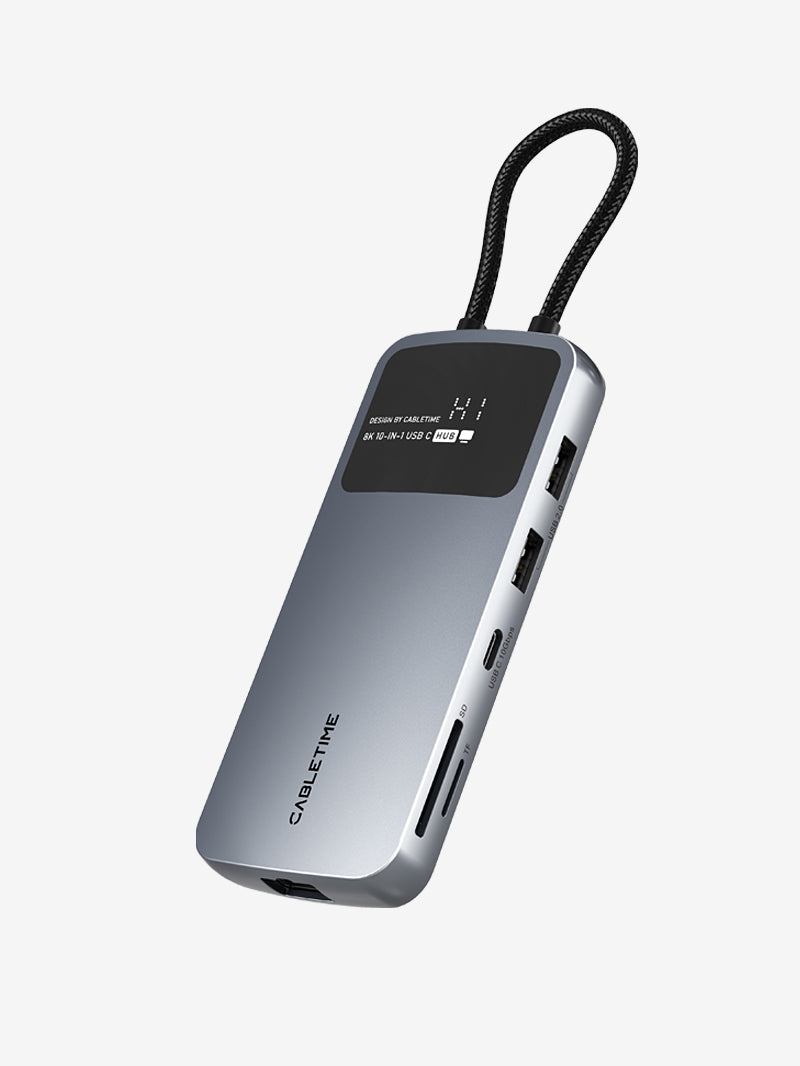
If you are shopping for a third-party Nintendo Switch 2 dock, you will quickly notice that there are a lot of options. Some are compact travel docks. Some are simple USB-C to HDMI adapters. Others are mini hubs with extra ports.

But here is the problem: not every third-party dock is a good long-term choice.
The biggest issue is not just size or price. It is compatible after system updates. Some third-party docks may still charge the console, but stop sending video to a TV or monitor after a firmware or system update. That is why choosing the right brand matters just as much as choosing the right design.
A good third-party Switch 2 dock should not only work today. It should also come from a brand that can keep supporting it over time.

1. The Most Important Thing to Check: Firmware Update Support
This is the first thing you should confirm before buying any third-party Switch 2 dock.
A portable dock is not just a simple adapter. It sits between the console, the charger, and the external display. When Nintendo updates the system, some third-party docks may stop working properly unless the manufacturer releases updated firmware.
That is why you should always check:
- Does the brand offer firmware updates?
- Is there a public firmware download page?
- Are there update instructions?
- Is there a video guide?
- Does the brand continue supporting the product after Nintendo system updates?
If the answer is no, the dock may work today, but it may not be a safe long-term choice.
CABLETIME provides a firmware page for supported Switch 2 dock alternatives, along with firmware update instructions and a setup guide video to help users keep their products working properly after system updates.
Firmware page:
https://cabletimetech.com/pages/driver

2. Power Input Is More Important Than Many Users Expect
Many users assume that if a dock can charge the console, it should also be able to output video to a TV or monitor. But in real use, that is not always true.
For both the USB-C to HDMI Adapter Cable and the 3-in-1 Switch 2 Dock, you need to connect a power adapter over 39W, or use the official Nintendo Switch power adapter, to provide enough power for stable video output.
If the power source is too weak, the console may still charge, but it may fail to extend successfully to a TV or monitor.
This is a very important point when choosing a third-party dock. A reliable dock should not only support charging, but also provide stable video output when paired with the correct power input.

3. Look for Clear Setup Guides and Troubleshooting Help
A good brand should not just sell a dock. It should also help users use it correctly and keep it working over time.
CABLETIME provides:
- firmware update instructions
- power requirement explanations
- compatibility guidance
- troubleshooting support
- setup videos for TV output
This kind of support is especially important for third-party Switch 2 docks, because users may need help after Nintendo system updates or when setting up the dock with a TV, monitor, or power adapter for the first time.
Clear guidance makes it much easier for users to update the product, understand the correct setup, and solve issues quickly.
4. Warranty and Customer Support Matter Too
When people choose a third-party Switch 2 dock, they often want something smaller, lighter, and more travel-friendly than the original dock. But if something goes wrong later, customer support becomes part of the product experience.
A reliable brand should offer:
- a clear warranty
- responsive customer support
- firmware update help
- troubleshooting after Nintendo system updates
- real after-sales solutions if the product has an issue
CABLETIME offers a 2-year warranty and responsive customer service. If there is a product issue, our team will first help troubleshoot the problem. If the issue cannot be resolved, we will provide a suitable solution, such as sending a replacement or offering a refund.
That kind of support gives users more confidence when choosing a third-party Switch 2 dock alternative.
What to Look For in a Good Third-Party Switch 2 Dock
If you want to choose the right one, here are the key points:
Firmware support
Make sure the brand can provide firmware updates when needed.
Enough power for TV output
When extending to a TV or monitor, make sure the dock can be used with a 39W+ power adapter or the official Nintendo Switch power adapter.
Reliable after-sales support
A good support team can help solve issues quickly if video output or compatibility problems happen.
Clear setup instructions
A brand with firmware instructions, setup videos, and troubleshooting support is much easier to trust.
Warranty coverage
A longer warranty gives extra peace of mind.
Why Support Matters as Much as Hardware
When choosing a third-party Nintendo Switch 2 dock, hardware specs are only part of the decision.
Good after-sales support can make a big difference, especially when system updates, compatibility issues, or setup mistakes happen. CABLETIME not only provides firmware updates and setup guidance, but also supports users with power requirement explanations, compatibility tips, troubleshooting help, and setup videos for TV output.
If a product issue happens, we do not just leave customers to figure it out alone. We work with them to solve the issue first, and if needed, we can also provide a replacement or refund.
That is why support matters just as much as the dock itself.
Two CABLETIME Dock Options for Switch 2

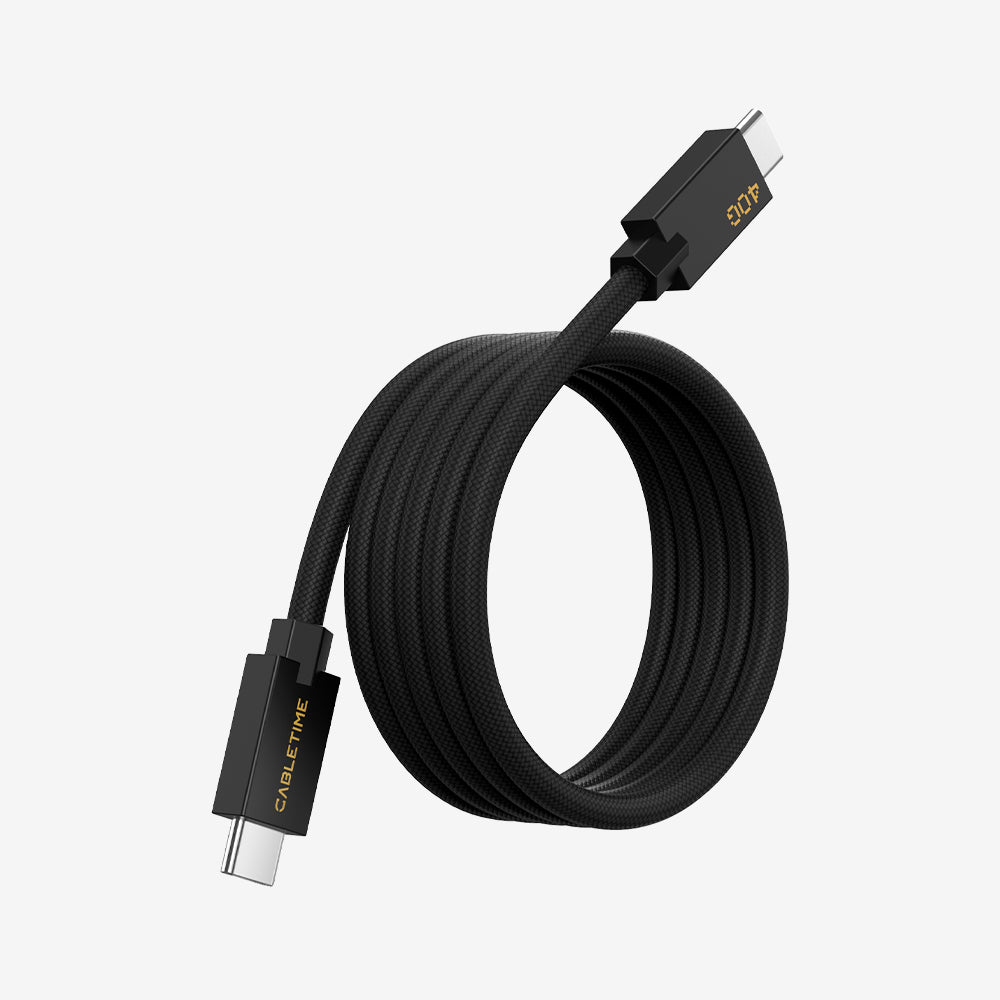
1) USB-C to HDMI Adapter Cable with 100W PD for Switch 2
This is a lightweight and portable dock alternative for users who want a simple TV output solution.
Highlights:
- Compact travel-friendly design
- HDMI output for TV or monitor
- Supports up to 100W PD input
- Works best with a 39W+ power adapter or the official Nintendo Switch power adapter for stable display output
- Firmware update instructions available
- Setup video support available
- 2-year warranty
- Customer support available for troubleshooting, replacement, or refund if needed
Best for:
Travel, hotel use, simple portable setups, and users who want fewer accessories to carry.
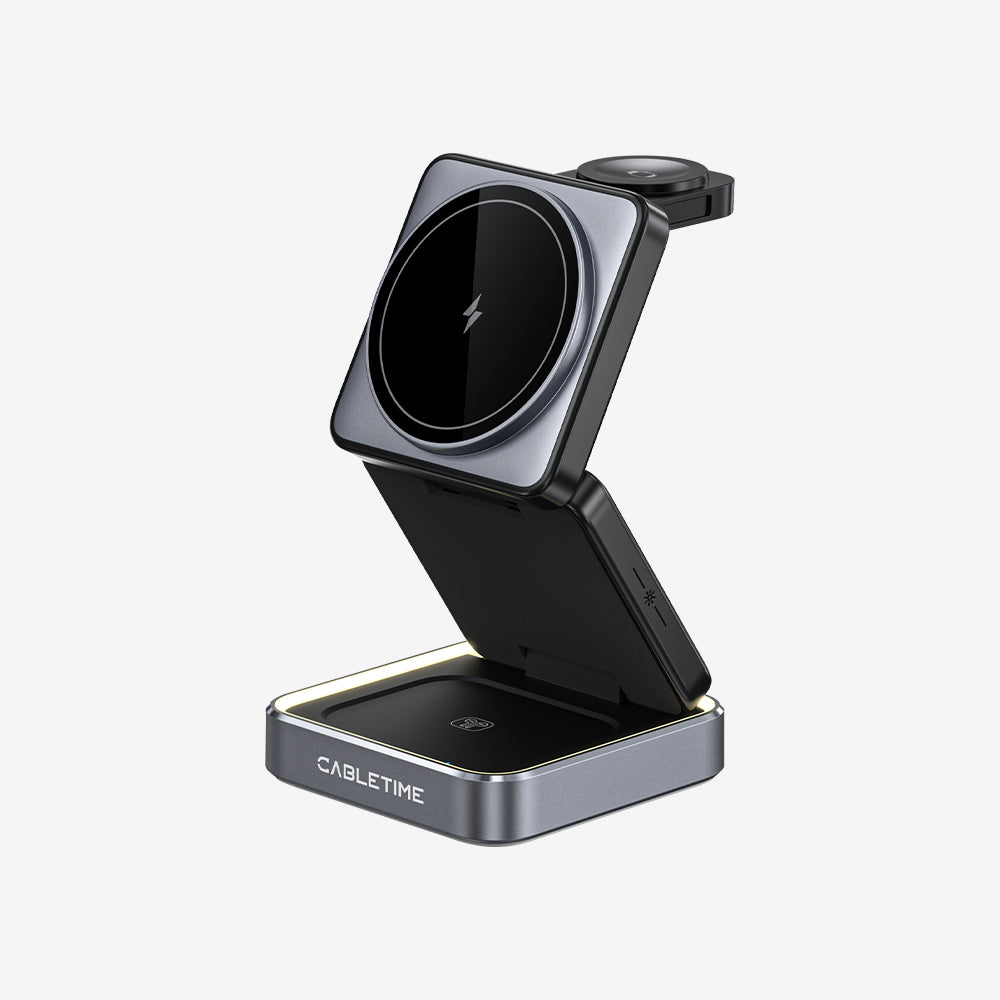
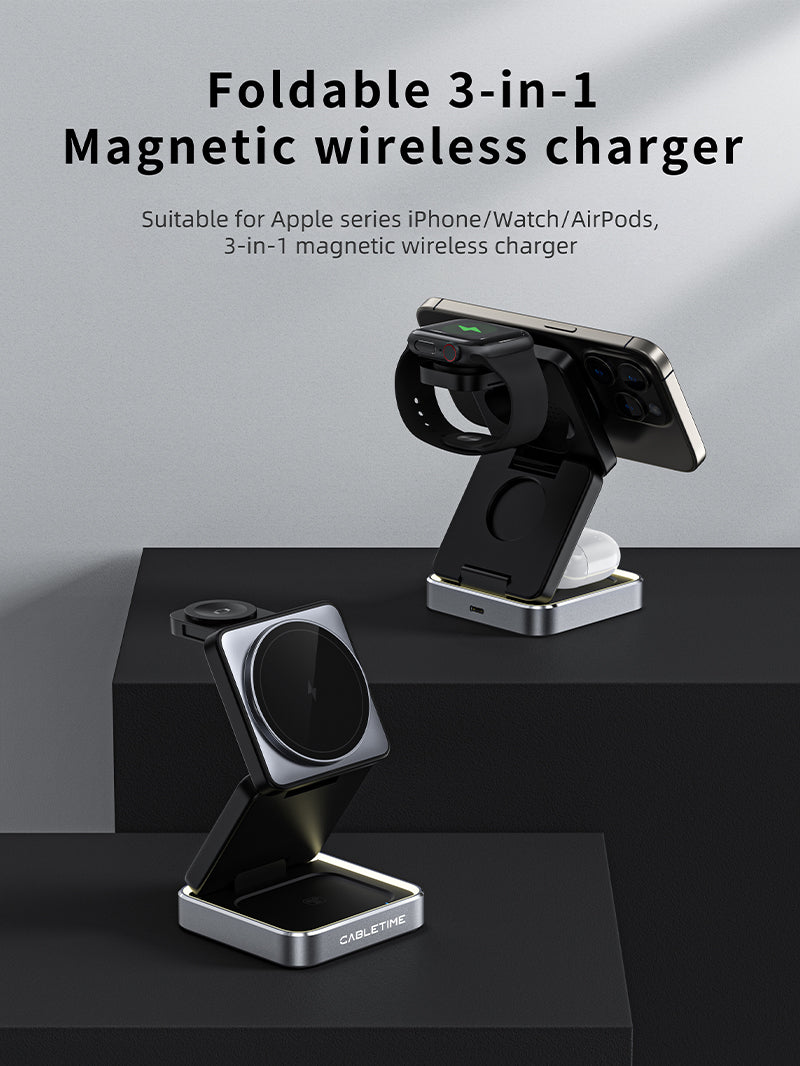
2) 3-in-1 Switch 2 Dock Replacement Portable TV Dock

This is a more flexible dock option for users who want extra connectivity in a compact design.
Highlights:
- 3-in-1 hub-style design
- HDMI output for TV or monitor
- USB-C PD charging input
- Requires a 39W+ power adapter or the official Nintendo Switch power adapter for successful TV/monitor output
- Portable and easy to carry
- Firmware update instructions available
- Setup video support available
- 2-year warranty
- Customer support available for troubleshooting, replacement, or refund if needed
Best for:
Users who want a compact but more versatile Switch 2 dock alternative.
Which One Should You Choose?


Choose the USB-C to HDMI Adapter Cable if you want the lightest and simplest travel solution for connecting your Switch 2 to a TV or monitor.
Choose the 3-in-1 Switch 2 Dock if you want a more flexible dock replacement with extra functionality in a compact size.
No matter which one you choose, make sure to use a 39W+ power adapter or the official Nintendo Switch power adapter when connecting to a TV or monitor. This is essential for stable video output.
Final Advice
If you remember only one thing from this article, let it be this:
Do not choose a third-party Nintendo Switch 2 dock based on appearance alone.
A good Switch 2 dock should offer:
- firmware update support
- clear setup guidance
- enough power for stable TV output
- compatibility help
- troubleshooting support
- responsive customer service
- warranty protection
That combination matters much more than price alone.
If a brand can continue supporting its products after Nintendo system updates, explain the correct power requirements, and help users solve real problems, it is much more likely to be a reliable choice in the long run.
FAQ
Do third-party Nintendo Switch 2 docks need firmware updates?
Yes, they may. After Nintendo system updates, some third-party docks may need updated firmware to remain compatible. That is why it is important to choose a brand that provides firmware support.
Do I need external power to connect Switch 2 to a TV or monitor?
Yes. For both the USB-C to HDMI Adapter Cable and the 3-in-1 Switch 2 Dock, we recommend using a power adapter over 39W or the official Nintendo Switch power adapter. This provides enough power for stable video output.
What happens if the power input is too low?
If the power source is not strong enough, the console may still charge, but it may fail to display video on the TV or monitor.
Why is firmware support so important?
Because Nintendo system updates may affect third-party dock compatibility. A brand with firmware updates can help keep the dock working properly.
What kind of support does CABLETIME provide for Switch 2 dock users?
CABLETIME provides firmware update instructions, power requirement explanations, compatibility guidance, troubleshooting support, and setup videos for TV output.
What if there is a product issue?
If there is a product issue, CABLETIME customer service will help troubleshoot it first. If the problem cannot be resolved, we can provide a replacement or refund.
What warranty does CABLETIME offer?
CABLETIME offers a 2-year warranty.
Which CABLETIME dock is better for travel?
The USB-C to HDMI Adapter Cable is better if you want the lightest and simplest solution. The 3-in-1 Switch 2 Dock is better if you want a more flexible portable dock setup.
Important: When connecting the USB-C to HDMI Adapter Cable or the 3-in-1 Switch 2 Dock to a TV or monitor, please use a 39W+ power adapter or the official Nintendo Switch power adapter. This ensures enough power for stable video output. If the power is insufficient, the console may still charge, but external display output may fail.


