



Knowledge
Best Magnetic Coil Charging Cable 2025: One Cable to End the Clutter
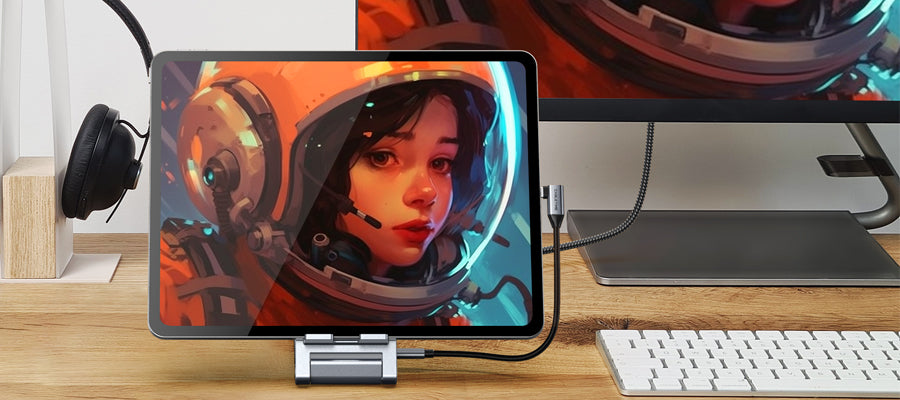
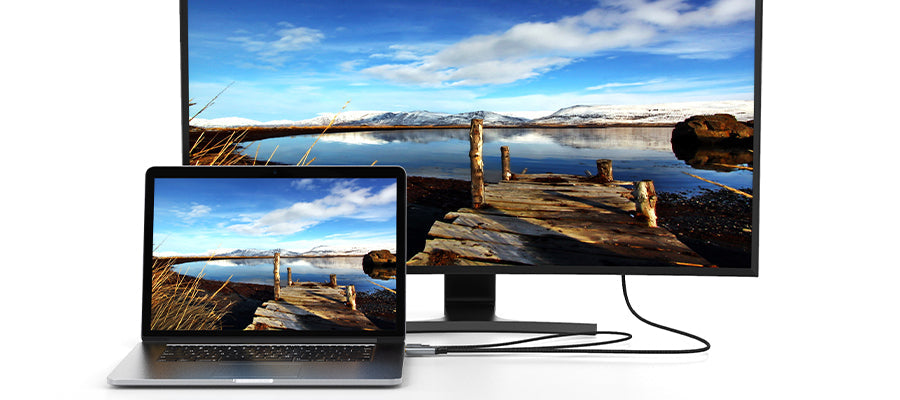
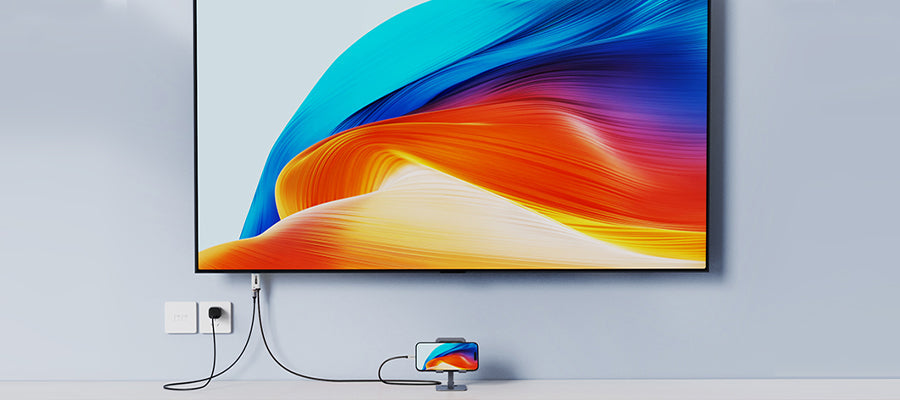
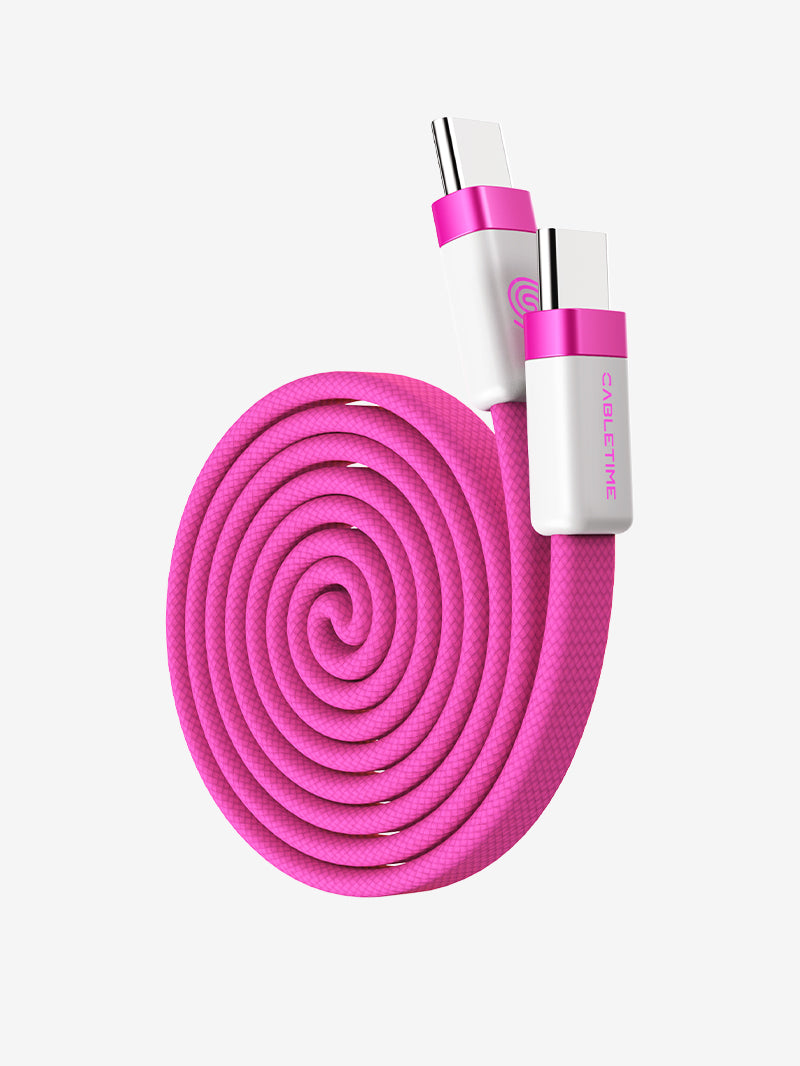
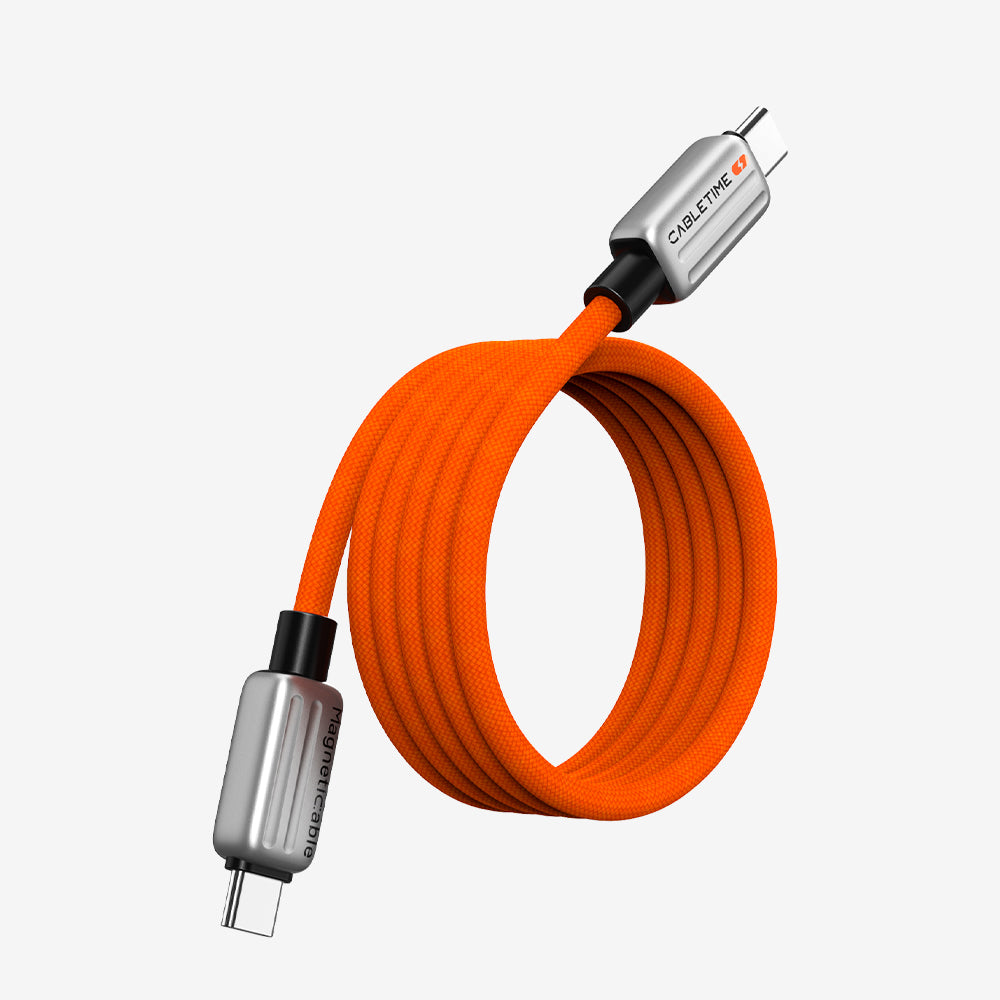
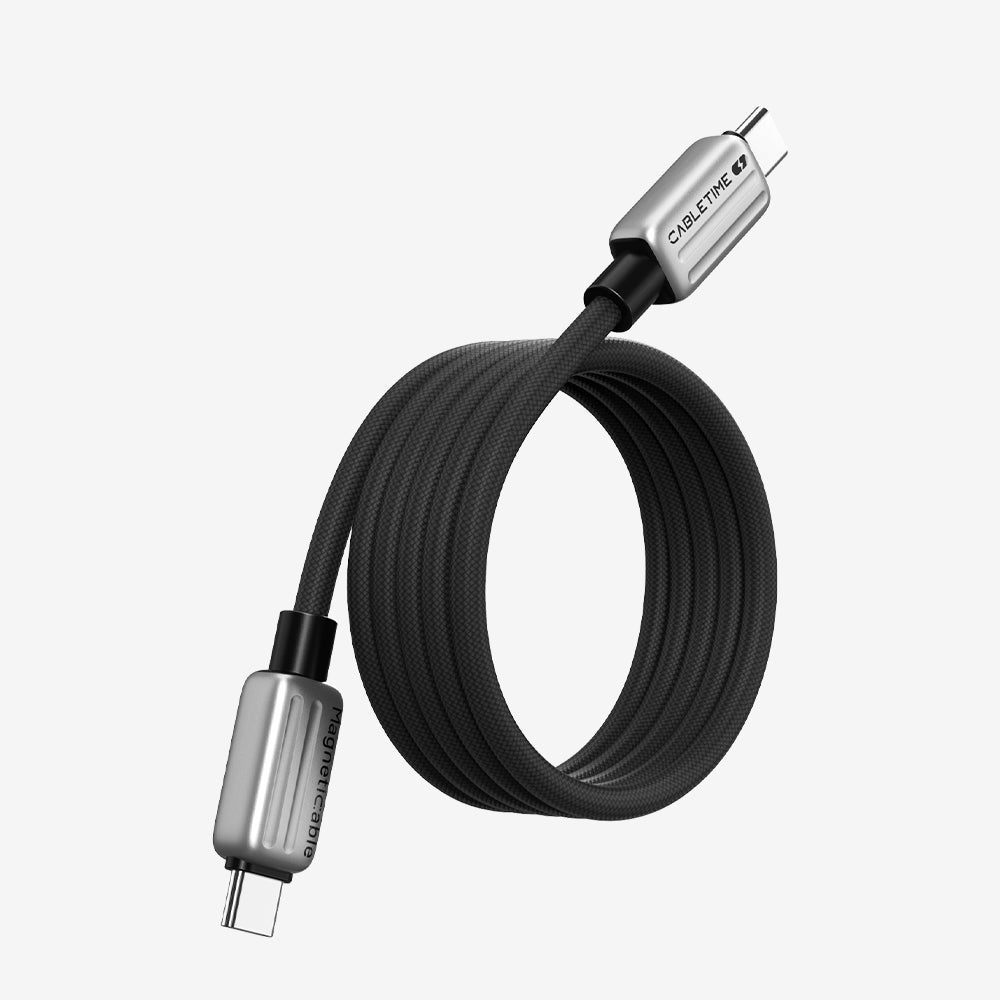
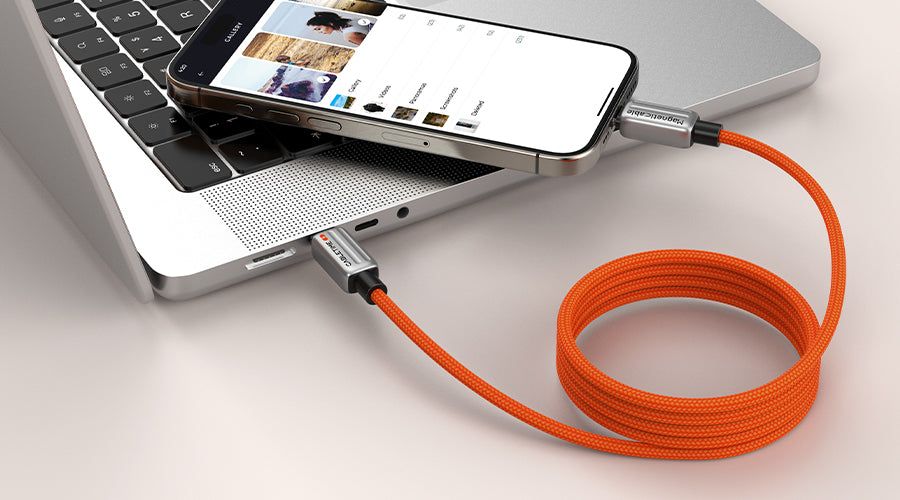
If you’re like most people, you already own a drawer full of cables. One for your phone, another for your earbuds, maybe two for your laptop — and they’re always tangled. No matter how neatly you coil them, they twist into a knot the moment you throw them in your bag. Table of content 1. What to Look for in the Best Magnetic Charging Cable 2. Our Top Magnetic Charging Cable Picks 2.1 1. Magnetic Fast Charge Cable for iphone 15 16 17 (1m / 2m)-CT-CM240-MZO 2.2 2. 240W Magnetic Coil Charging Cable (USB4)-CT-CMU4-P 3. Quick Comparison 4. Final Thoughts That’s why the magnetic charging cable is a game-changer in 2025. With built-in magnets that snap together, it coils neatly by itself, keeping your desk or backpack tidy. Add in fast charging, durable materials, video output options, and a solid warranty, and you’ve finally got a cable worth keeping. What to Look for in the Best Magnetic Charging Cable When shopping for a magnetic charging cable, here’s what matters most: Power Delivery (Wattage) – Match the cable to your device. Phones need 30–60W, while laptops and gaming devices may require 100–240W. Data Transfer – Basic cables only offer 480 Mbps, while premium ones support USB4 (40Gbps) for ultra-fast file transfers. Video Output – Not every cable can handle video. If you want to connect your laptop or tablet to a monitor, look for a full-function cable that supports up to 8K 60Hz output. Safety & Durability – Check for an E-Marker chip in high-wattage models, plus a braided jacket and reinforced ends. Magnet Strength – Strong magnets are key. Our magnets never disappear — but note: don’t store the cable next to very hot products, as high heat can weaken magnets over time. Warranty – Look for a long warranty. Cabletime offers a 2-year warranty on every magnetic cable. Our Top Magnetic Charging Cable Picks 1. Magnetic Fast Charge Cable for iphone 15 16 17 (1m / 2m)-CT-CM240-MZO Get the Fast Charge Magnetic Cable here: A dependable everyday magnetic charging cable. It’s strong enough for phones, tablets, and earbuds, with a nylon-braided jacket that resists wear. Available in 1m or 2m, it’s perfect for desks, bedsides, or travel.Why you’ll love it: 240W Power Delivery – Strong enough to charge laptops, iPhones, and more, meeting all your power needs. 480Mbps Data Transfer – Smooth syncing for files and devices. Strong Magnetic Snap – Keeps the cable tidy — the magnet won’t disappear. Heat-Safe Note – Avoid placing near high-heat products, as extreme heat can weaken magnets. Durable Build – Nylon-braided jacket designed to withstand daily use. Flexible Options – Choose between 1m or 2m length. Peace of Mind – Backed by a 2-year warranty. 2. 240W Magnetic Coil Charging Cable (USB4)-CT-CMU4-P Looking for one cable that can handle everything — from your phone to a MacBook, gaming laptop, or docking station? This is the powerhouse. With 240W PD 3.1 fast charging and USB4 performance, it’s built for the most demanding workloads while staying neat and compact thanks to its magnetic coil design. Perfect for travel, work, or a clutter-free desk.Why you’ll love it: One cable for all your devices — phones, laptops, docks, and more. 240W PD 3.1 fast charging — enough power for even high-performance laptops. 40Gbps data transfer — lightning-fast file syncing and connectivity. 8K 60Hz video output — easily extend your screen to a monitor or TV. Magnetic coil design — keeps your bag and desk completely tangle-free. Durable nylon-braided jacket — tough enough for daily use. 2-year warranty — long-lasting quality, guaranteed. Order the 240W Magnetic Coil Cable here Quick Comparison Cable Best For Power Data Speed Video Output Design CT-CM240-MZO phones, tablets, earbuds,laptops 240w 480 Mbps No Coil+ magnetic snap CT-CMU4-P Laptops, gaming, docking stations 240w USB4 (40Gbps) Yes – up to 8K 60Hz Coil+ magnetic snap {"rowNumber":"mot","device":"desktop","layoutMobile":2,"layoutDesktop":3,"aspectRatio":"3 / 4","isAutoPlay":false,"dynamicProductId":[{"id":"gid://shopify/Product/8827591491842","title":"240w Magnetic USB Type-C Fast Charge Cable 1m 2m for iPhone 17 16 15 Pro Plus Max","currencyCode":"USD","amountMax":"15.99","amountMin":"10.99","price":"10.99","compareAtPrice":null,"imagesUrl":"https://cdn.shopify.com/s/files/1/0642/3091/6354/files/CT-CM240-MZO_1.jpg?v=1729237678&width=600","urlStore":"/products/magnetic-usb-type-c-fast-charge-cable-1m-2m-for-iphone-16-15-pro-plus-max","altImage":"Bright orange braided magnetic USB-C to USB-C fast charging cable with metal connectors by Cabletime"},{"id":"gid://shopify/Product/9082617331970","title":"240W USB4 Magnetic Coil USB-C Charging Cable 1M 40Gbps 8K for MacBook iPad Android","currencyCode":"USD","amountMax":"25.99","amountMin":"25.99","price":"25.99","compareAtPrice":null,"imagesUrl":"https://cdn.shopify.com/s/files/1/0642/3091/6354/files/1_97200645-6169-456a-8ce8-0913a8373c9c.jpg?v=1755156942&width=600","urlStore":"/products/240w-usb4-magnetic-coil-usb-c-charging-cable","altImage":"Orange coiled magnetic USB-C to USB-C charging cable with white connectors, supporting 240W USB4 fast charging and high-speed data transfer"},{"id":"gid://shopify/Product/8282318864642","title":"Fast 240W USB-C Charge Cable 2M for iPhone 17/16/15 Pro Max","currencyCode":"USD","amountMax":"8.99","amountMin":"7.99","price":"7.99","compareAtPrice":"8.99","imagesUrl":"https://cdn.shopify.com/s/files/1/0642/3091/6354/files/1_93774352-ffb1-4998-885f-d5fa8ab24510.jpg?v=1734071873&width=600","urlStore":"/products/fast-240w-usb-c-charge-cable-2m-for-iphone-15-pro-max","altImage":"Orange Fast 240W USB-C Charge Cable 2M for iPhone 15 Pro Max "}],"typeSearch":"product","locale":"en","componentId":"undefined","productPreview":{"buttonAlign":"Center","hiddenPrice":false,"hiddenArrow":false,"labelButton":"View product","colorTitle":{"hue":24.17,"saturation":1,"brightness":0.8275,"alpha":1},"colorPrice":{"hue":0,"saturation":1,"brightness":0},"colorDiscount":{"hue":356,"saturation":0.74,"brightness":1},"colorButton":{"hue":24.17,"saturation":1,"brightness":0.8275,"alpha":1},"colorTextButton":{"hue":0,"saturation":0,"brightness":1},"isActiveButton":false,"labelActiveButton":"View all","urlActiveButton":""},"productDetails":{"isHidePrice":false,"isHideVariant":false,"isHideDescription":false,"labelButton":"Buy now","ATCLabelButton":"Add to cart","colorTitleProduct":{"hue":0,"saturation":0,"brightness":0},"colorBNButton":{"hue":0,"saturation":0,"brightness":1},"colorATCButton":{"hue":145.6,"saturation":0.378,"brightness":0.341},"colorBNText":{"hue":0,"saturation":0,"brightness":0},"colorPrice":{"hue":0,"saturation":0,"brightness":0},"colorATCText":{"hue":0,"saturation":0,"brightness":1}},"cssContent":"","id":"Avada-Tool_ProductCard-2","hidden":false,"locked":false,"blockName":"Product card"} View product ✕ Add to cart Buy now View product ✕ Add to cart Buy now View product ✕ Add to cart Buy now Final Thoughts Cables shouldn’t be something you fight with. A magnetic charging cable saves you time, keeps your space tidy, and lasts longer than the cheap cords you’re used to replacing. With Cabletime’s 2-year warranty, you’re not just buying another accessory — you’re investing in smarter charging for years to come.For everyday devices, grab the Magnetic Fast Charge Cable.For all-in-one power and performance, choose the 240W Magnetic Coil Cable.Either way, you’ll never want to go back to ordinary cables again. Frequently asked questions (FAQs) Can these magnetic charging cables replace all my other cables? Yes — the 240W Magnetic Coil Cable (USB4) is a full-function cable that handles charging, ultra-fast data transfer, and even 8K video output. The Fast Charge Cable is ideal for daily charging and light data transfer (480Mbps). Are these cables compatible with iPhone 17, 16, and 15? Yes! Both cables fully support iPhone 17, 16, and 15, as well as iPads, MacBooks, Android phones, tablets, and USB-C laptops. With up to 240W PD 3.1, they meet the power needs of Apple’s latest devices. Will the magnets lose strength over time? No — the magnets are built to last. Just avoid storing the cable near extreme heat, as high temperatures can weaken magnets over time. Can I use these cables to charge my laptop? Absolutely. Both models support 240W PD 3.1 fast charging, powerful enough for MacBooks, gaming laptops, and docking stations. Do these cables support video output? The 240W Magnetic Coil Cable (USB4) supports 8K 60Hz video output, making it easy to extend your screen to a monitor or TV. The Fast Charge Cable is designed mainly for charging and 480Mbps data sync.
Read more